





How to...
That sucks, man. Not sure what the problem is but I was able to recover lost data with Disk Drill. Good luck!
P Johnson
Runs on any PPC
or Intel Mac with Mac OS X 10.5+ |
|
#1
Install Disk Drill on Mac OS X
Download the Disk Drill photo recovery software for Mac OS X from the CleverFiles website. You can install Disk Drill by dragging the DMG contents to the Applications folder on your computer. Optionally drag the application to the Dock to recover deleted photos at any time.
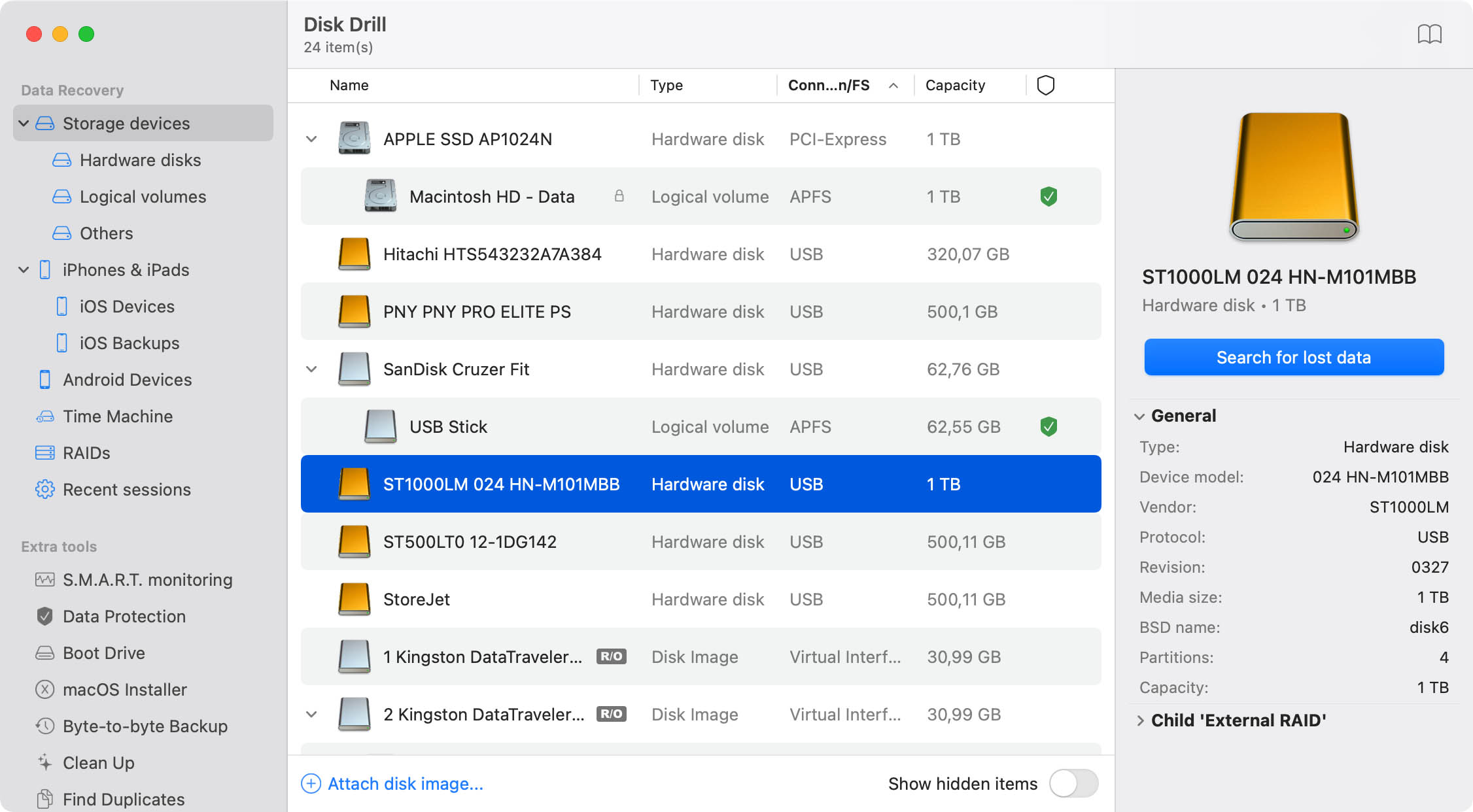
Select the storage that originally contained the music or lost photos for pictures recovery. If you're looking to recover picture from an external device like a camera or MP3 player, connect it to your computer first via USB or a memory card adapter. If Disk Drill is able to detect the drive or memory card, it'll be able to scan for deleted pictures and complete lost photo recovery or music recovery, even if that drive has been corrupted.
If the storage device employs a FAT, FAT32, or NTFS file system, which is often the case, you can use Quick Scan to scavenge it for deleted photos and MP3 files in mere minutes. Disk Drill photo and music recovery software will use the deletion logs inherent to FAT and NTFS to quickly determine which files might still be saved to recover deleted picture.
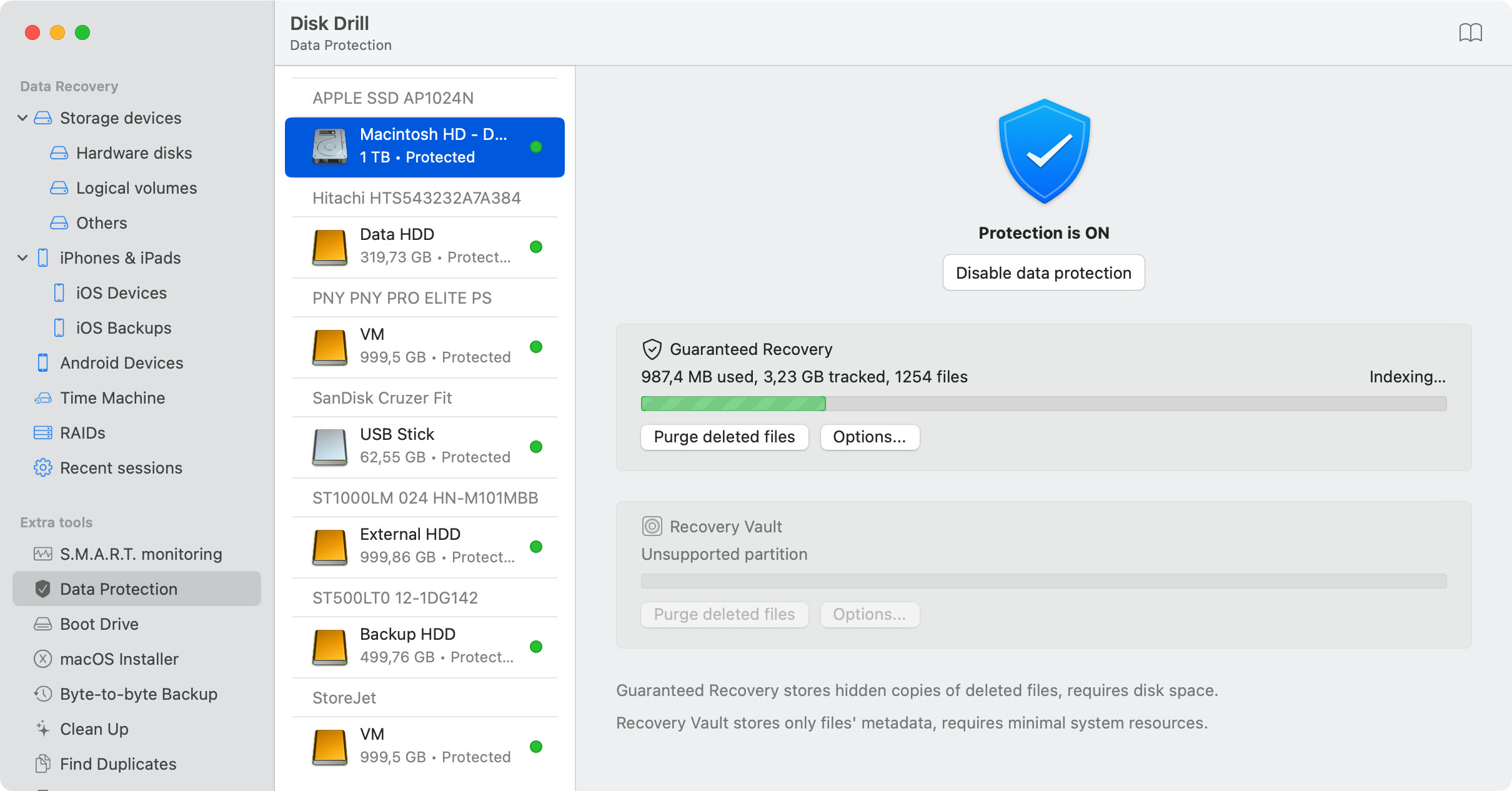
Enabling Recovery Vault offers a score of advantages, not in the least improved scanning speed and reliability of easy photo recovery. Whenever the storage drive is connected to your computer, Disk Drill pictures recovery will be able to keep track of what files are deleted. It's a lightweight solution to ascertain your files' protection and MP3 recovery that lets you act fast to recover deleted photo.
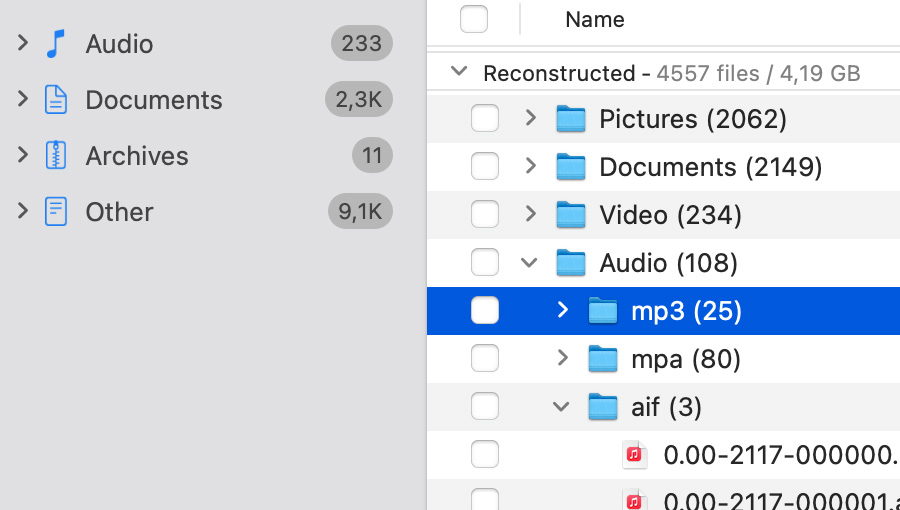
Even if the drive runs on an unknown or corrupt file system, or if the memory card was formatted entirely, Disk Drill picture recovery will try to recover your music and photos using Deep Scan. This technique scours your storage for any hidden bits and bytes. It's very slow, increasingly so for large storage devices, but it leaves no stone unturned. Your files will detain filename and original location, but if there is anything left to be salvaged, a Deep Scan will find it and ensure the best photo and music recovery from your camera.
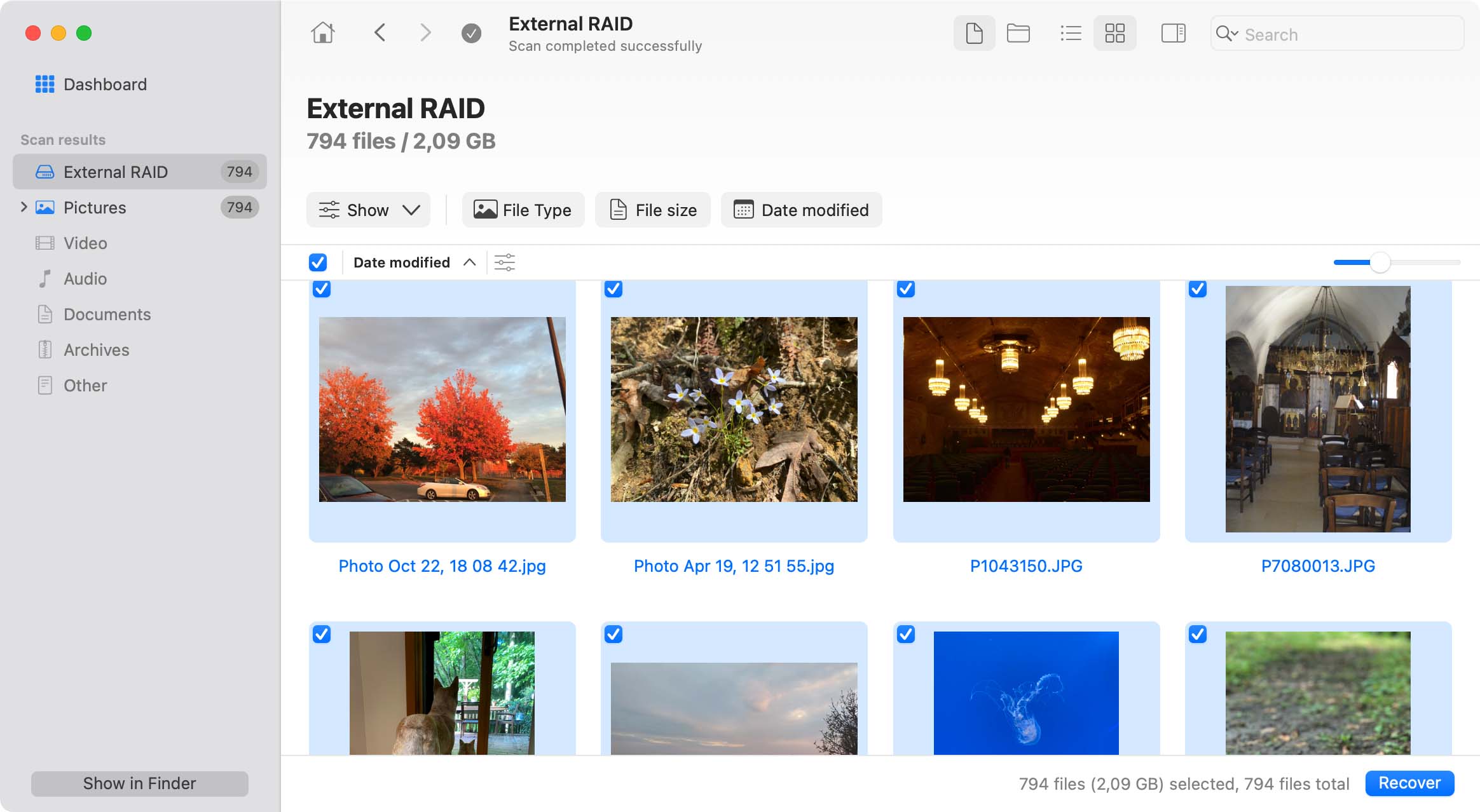
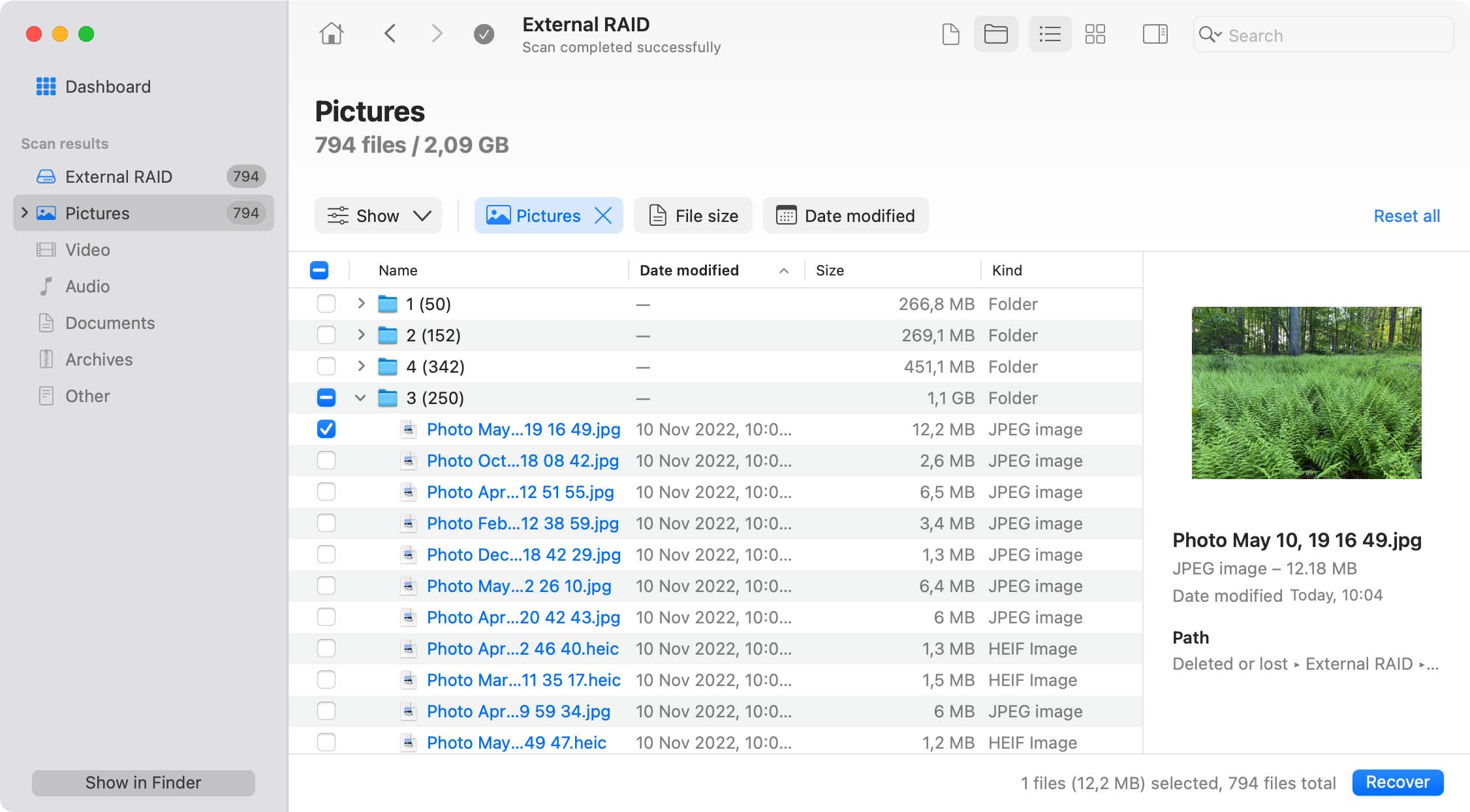
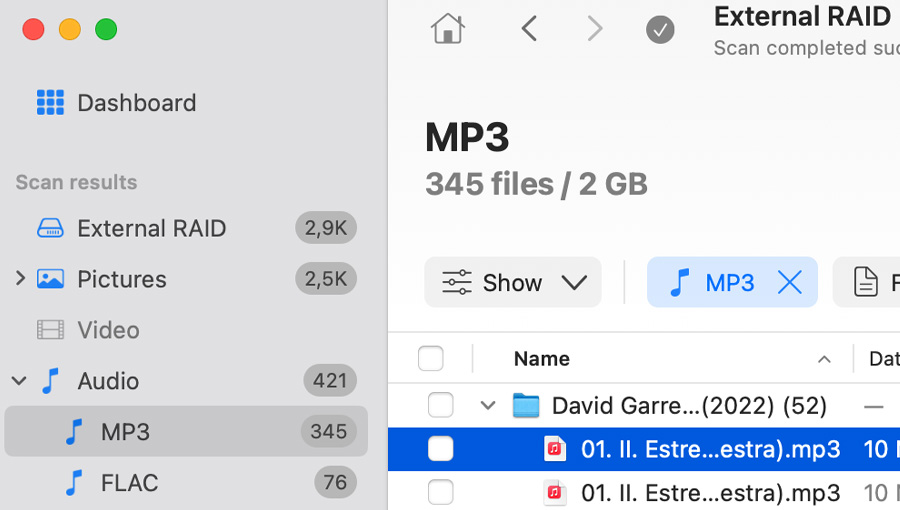
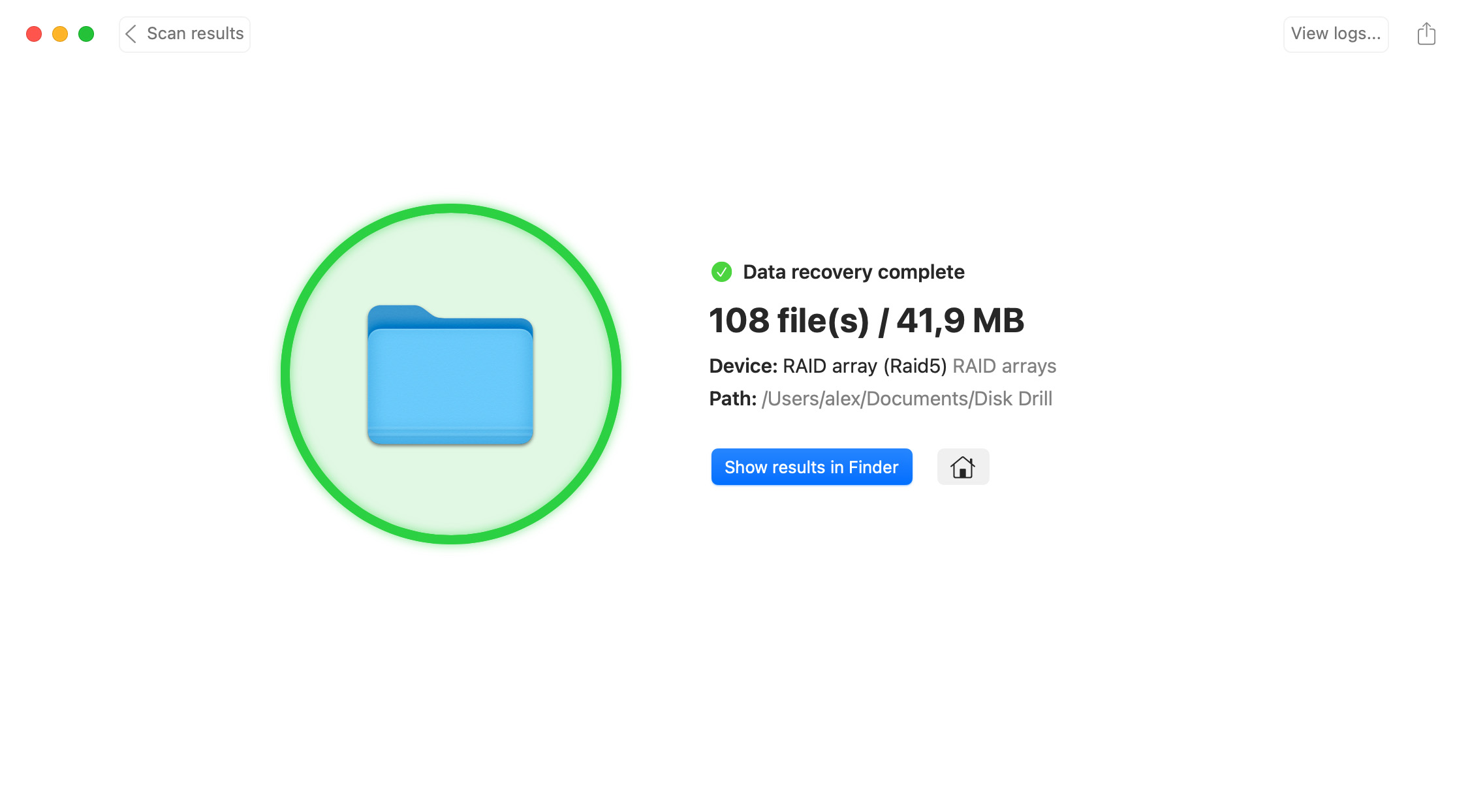
Deep Scan results will be ordered by file type and extension. Even though your filenames are lost, it shouldn't be hard to single out the MP3 files or photos you lost. Other scan results can be filtered on file type using the drop down menu in the top left corner. Select your lost photo and click "Recover". Simple as that you can perform deleted photo recovery, picture recovery, MP3 and music recovery.