


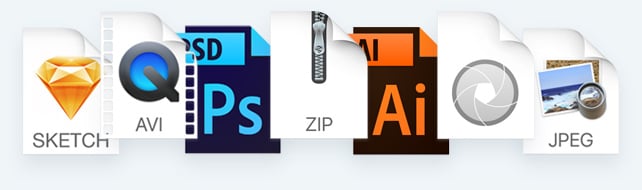
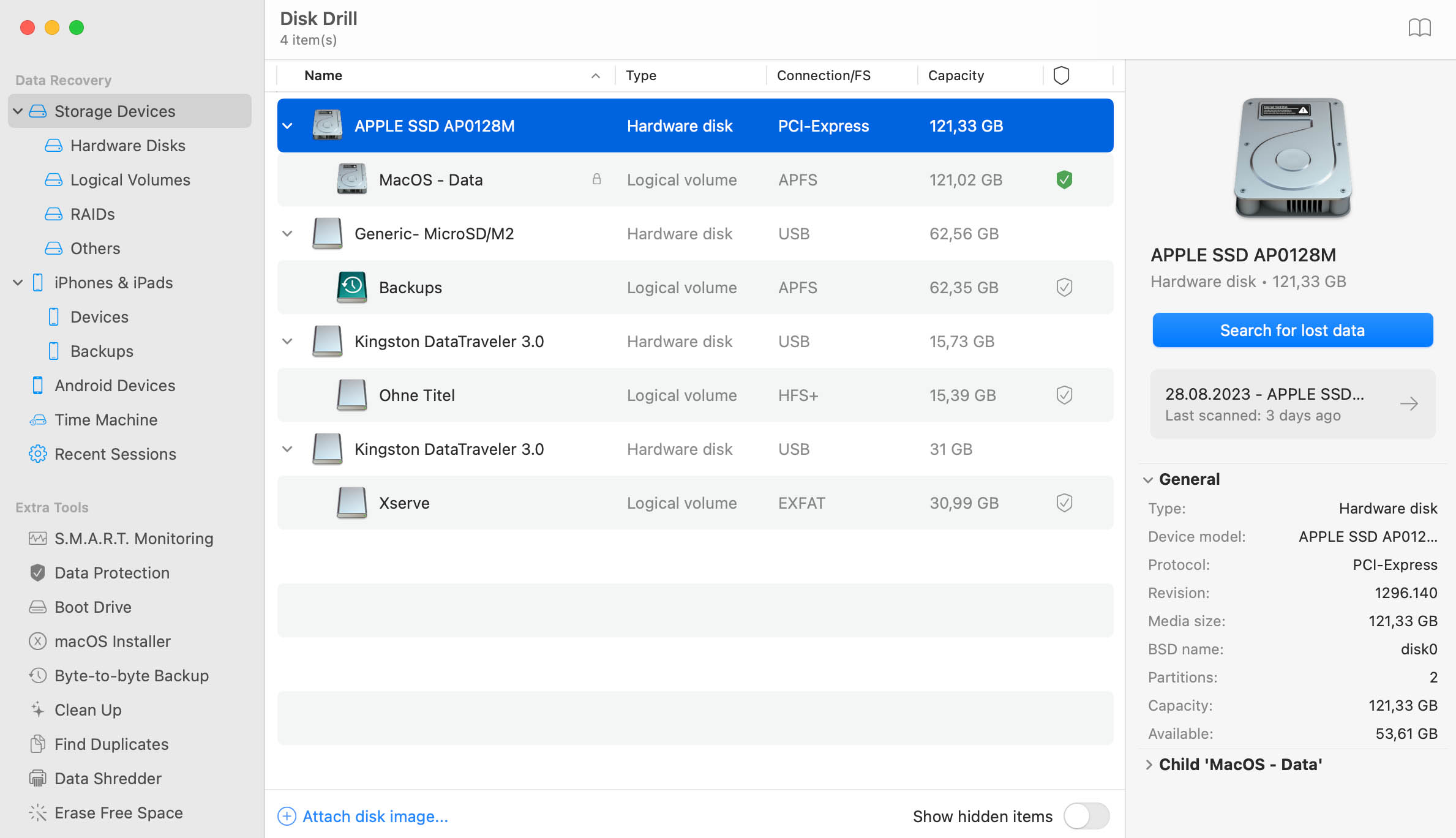
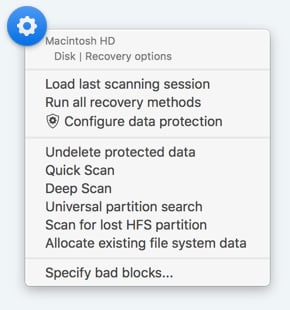
To support data recovery on all existing file systems and undelete all imaginable file types Disk Drill features 3 scanning and recovery methods:
Deep Scan
To really get deep
Regardless of what happened to your disk and which file system was there before, Deep Scan attempts to extract every bit of data still remaining in any binary mess: formatted drive, lost partition, etc. It's slow and based on file signatures it already knows. The list of known file types is constantly updated. Deep Scan is your last call for help if nothing else works or if data loss is really severe. While it's not capable of recovering original file names and locations, as well as other meta-data of recovered items, Deep Scan does an impressive job of getting files that were deleted/lost many days ago.
Undelete
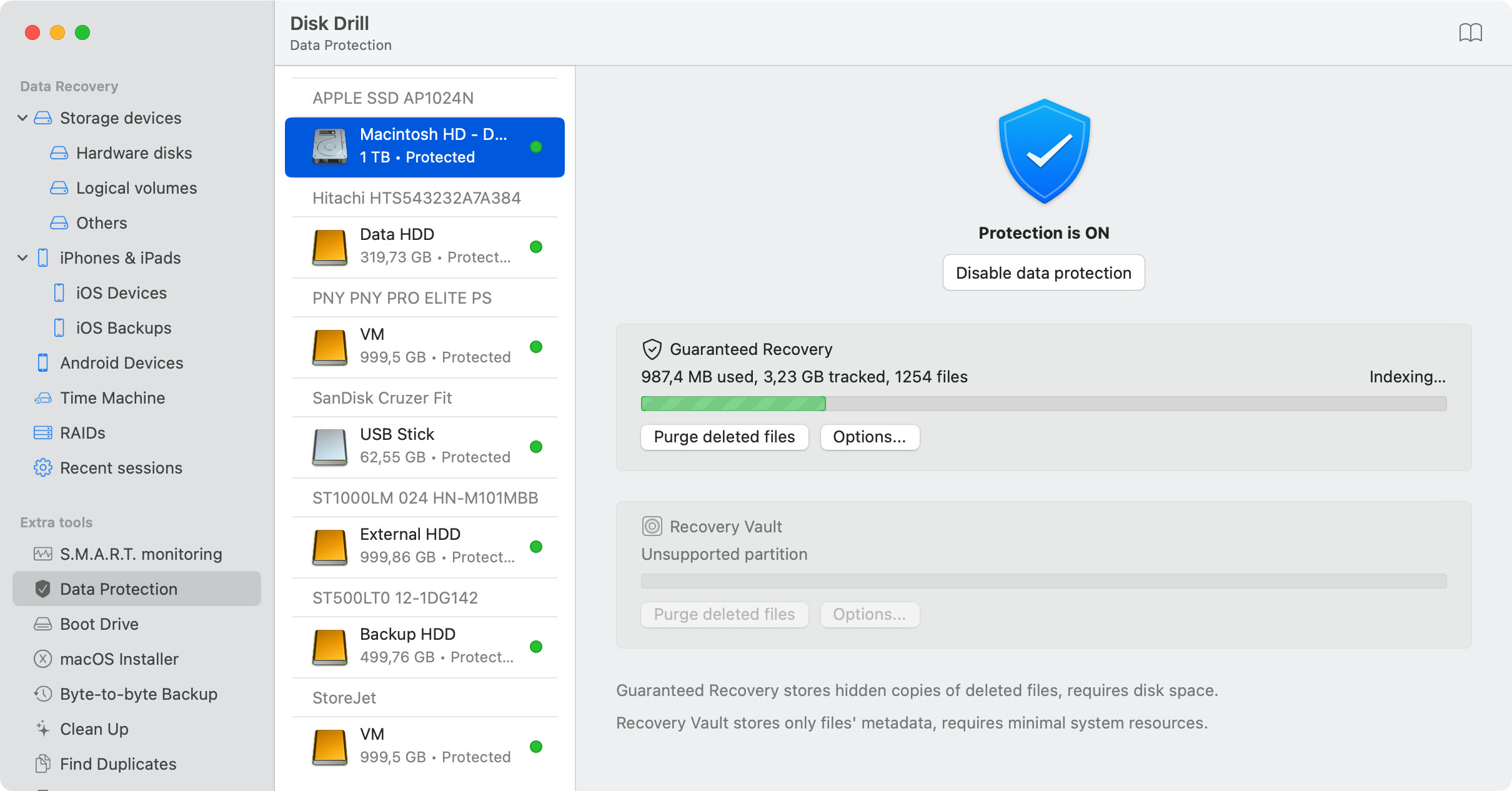
from Recovery Vault
Recover any file or folder exactly as it was before deletion on disks and partitions protected with Recovery Vault. All file types supported, all original properties are recovered, this method is extremely precise
Quick Scan
HFS+, FAT & NTFS only
Scans existing journal or file table for deleted items. Requires a working disk or partition. Is very fast, but not precise as not all deleted files still exist in the areas of search
Recover lost documents, photos, images & more!
Deep-scanning retrieves all major file types analyzing all your binary space in search for known file signatures and bytes sequences. Deep Scan is capable of recovering any of the following files:AI (Illustrator images), CR2 (Canon raw images), DNG (digital negative images), JPG/JPEG, TIFF, BMP, GIF, MAX (3DS Max scene), NEF (Nikon raw format), PNG, PSD (Photoshop images), RW2, VSD (Visio drawing), SKP (SketchUp Document), AVI, DV (digital video), M2TS (Blu-ray video), VOB, ORF (Olympus raw images), FFF (Hasselblad raw images), IPA (iOS applications), MMAP (MindManager maps), RVT (Revit), FP7 (FileMaker document), ENL (EndNote Library file), APK (Android applications), C4D (Cinema 4D), RM (Real Media files, also known as RV, RMVB), RA (Real Audio format), FLAC (lossless audio), MA, MB, MP (Maya related files), ITL (iTunes library file format), DB3 (SQLite3 database, same as DB file in iPhoto library and many other mac software), .h and .m (Xcode 3/4), AEP (Adobe After Effects CS5) ...show all
Are you deep-scanning to recover a file which is not on this list? Click here to let us know

Search for lost partitions
...attach them as existing ones in Disk Drill and extract your data from them
Recovery Vault
Invisibly protects your FAT or HFS disks from accidental data loss
S.M.A.R.T. status monitoring
Visualize your hard drive's temperature with a tiny icon in the menu bar, and display other important data about your disks on click there.
Backup disks and partitions into Disk Image (DMG)
Save precious data simply backuping any failing disk or partition into Disk Image (DMG) for further data recovery, so you no longer need the original media.
Disk Drill takes user experience very seriously. We designed our Mac data recovery software to be simple and intuitive to every user: no matter if you are a data recovery guru or a new Mac user.Recovery process is split into 4 logical steps, explained by clear hints always available at the current step.
Moreover, Disk Drill features built-in tutorial which explains data recovery with samples and references to the product's user interface. We also invite you to visit our knowledgebase any time for in-depth articles covering various aspect of data recovery in Mac OS.
While Disk Drill is a great data recovery software for novice users, there's a number of features Mac professionals will find extremely useful:
Advanced scanning sessions management
Save and Load scanning sessions to switch between multiple media during data recovery. This is also invaluable for Deep Scan, which may take hours - scanning progress is saved hourly. You can be sure the progress is safe and not lost. Pause, save a session and get back to your scanning process later, when you have more spare time.
Various flexible filtering, searching and sorting options help you locate exactly the items you need recovered among hundreds or thousands of files usually available after deep-scanning. Convenient preview lets you check the contents of the files you are about to recover: images, video, music, documents, etc. By using Mac OS QuickLook approach, Disk Drill's preview feature is capable of showing even formats specific to a certain Mac.