
New Disk Drill 6.2 – Integrated Video Repair Service and Improved Video Recovery
New Disk Drill 6.2 – improvements in recovery and processing of video files from various cameras, integration with video repair service for especially hard-to-recover videos, and optimized scanning algorithm.
New
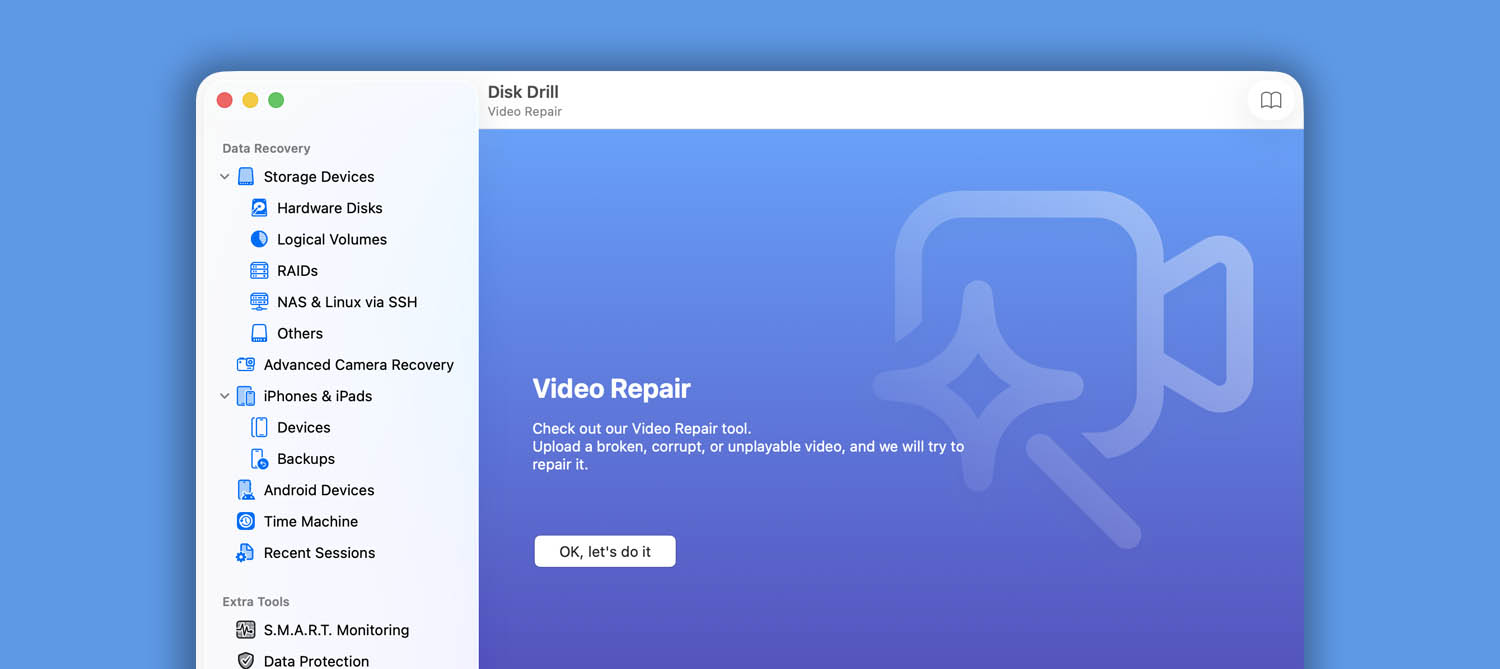
- Online Video Repair tool added – find it in the sidebar. When everything else fails, send us a damaged or corrupted video file and we’ll attempt to recover it
- You can now recover your lost iOS Journal entries
- Hex view for partitions is now available

Disk Drill 6.2 – Video Repair Service Added to the App. Video Recovery Greatly Enhanced
New Disk Drill 6.2 – lots of enhancements in video recovery, processing of video files from various cameras, as well as overall improvement of scanning algorithms. Video repair service for especially hard-to-recover videos integrated with the app.
New
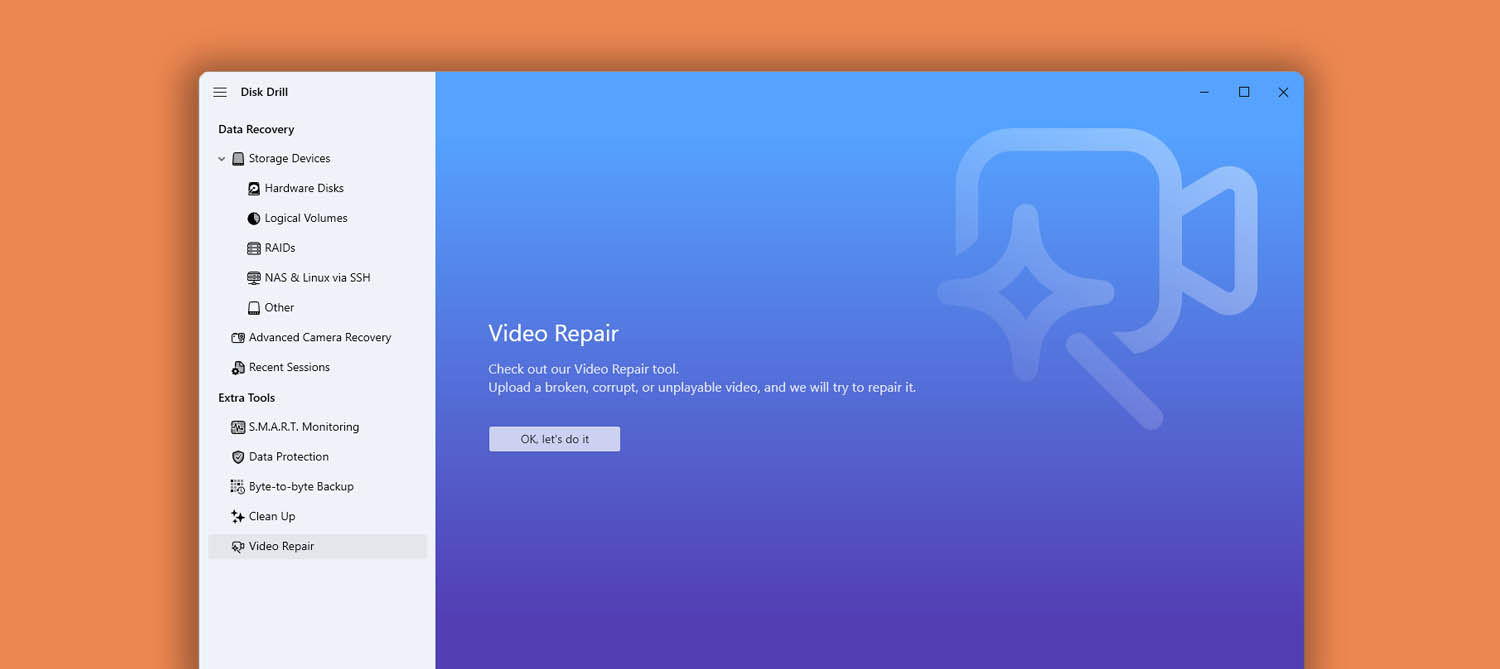
- Access the Online Video Repair tool from Disk Drill’s sidebar. If your video file is damaged or unplayable, send it to us and we’ll attempt to recover it
- Hex view for partitions is now available
Disk Drill 6.1 is Fully Compatible With macOS Tahoe. Lots of Improvements in Advanced Camera Recovery Module
Download Disk Drill 6.1 with full compatibility with macOS Tahoe, improved and optimized Advanced Camera Recovery and backup algorithms, and quite a few new file formats supported for recovery.
New
- Disk Drill is fully compatible with macOS 26 Tahoe
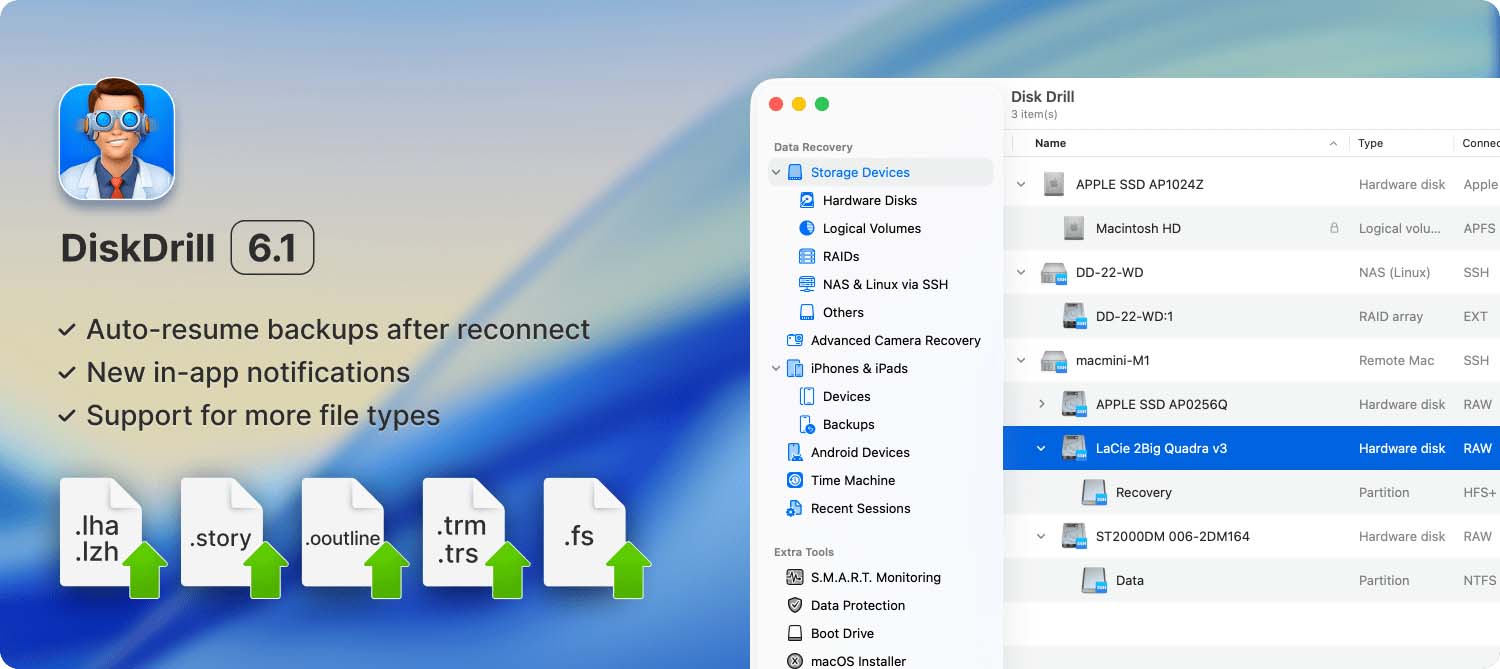
- .fs FlexiSIGN files are now supported by Disk Drill
- .lzh, .lha files are now supported (compressed archive of files implemented with compression specifications and standards used by the Lempel-Ziv and Haruyasu algorithm)
- .story Articulate Storyline 360 files are now supported by Disk Drill
- .ooutline Omni Outliner files are now supported by Disk Drill
- .trm, .trs (For The Record) files are now supported by Disk Drill
Disk Drill 6.1 Recovers Even More File Types and Brings Lots of Improvements to Existing Functionality
Download Disk Drill 6.1 now to get an even better backup functionality with BitLocker encrypted partitions supported, more file types supported for detection and recovery, and an overall smoother software performance thanks to multiple fixes.
New
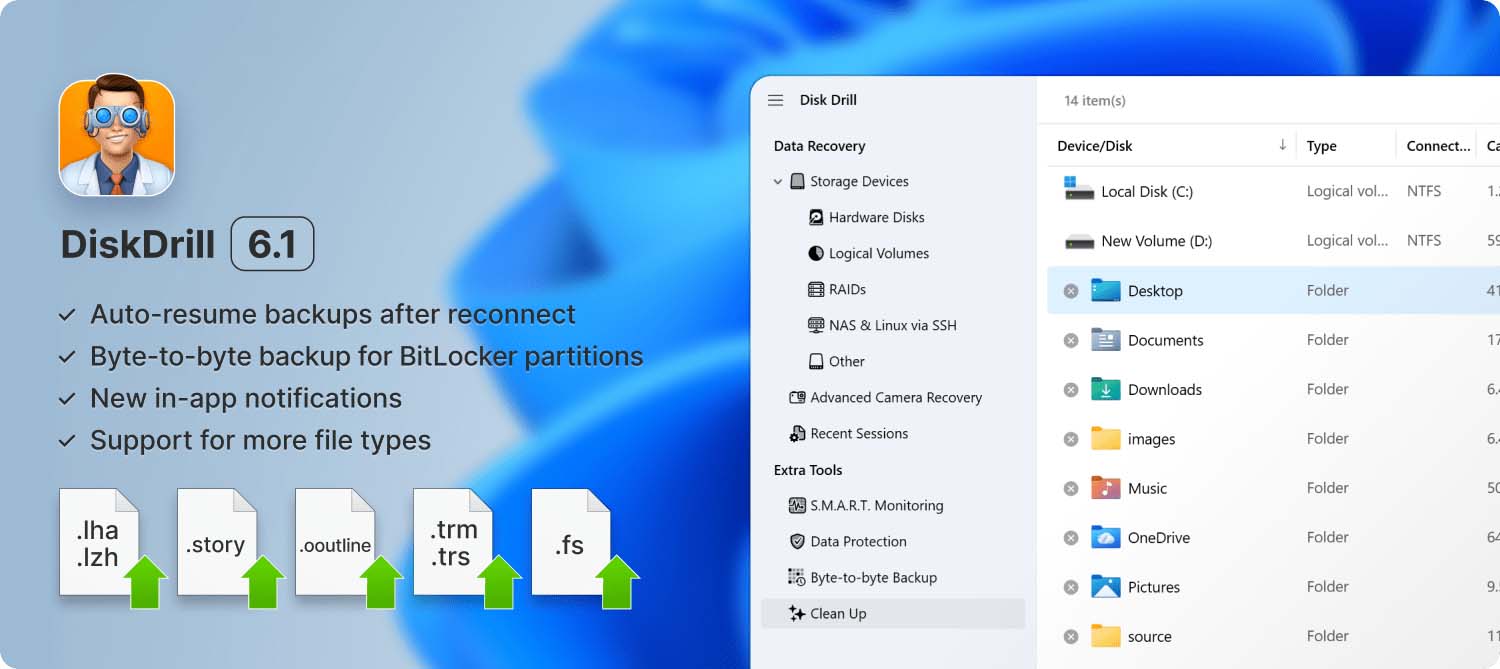
- Disk Drill for Windows can now recover .fs FlexiSIGN files
- .lzh, .lha files are now supported (compressed archive of files implemented with compression specifications and standards used by the Lempel-Ziv and Haruyasu algorithm)
- Disk Drill for Windows can now recover .story Articulate Storyline 360 files
- Disk Drill for Windows can now recover .ooutline Omni Outliner files
- Disk Drill for Windows can now recover .trm, .trs (For The Record) files
- Byte-to-byte backup files can now include BitLocker encrypted partitions
- Backup process is smoother and can be resumed at any stage if device was disconnected and reconnected
- Useful notifications have been implemented throughout the interface
Disk Drill 6.0 – New in Camera Recovery Alongside Anticipate Enhancements and Fixes
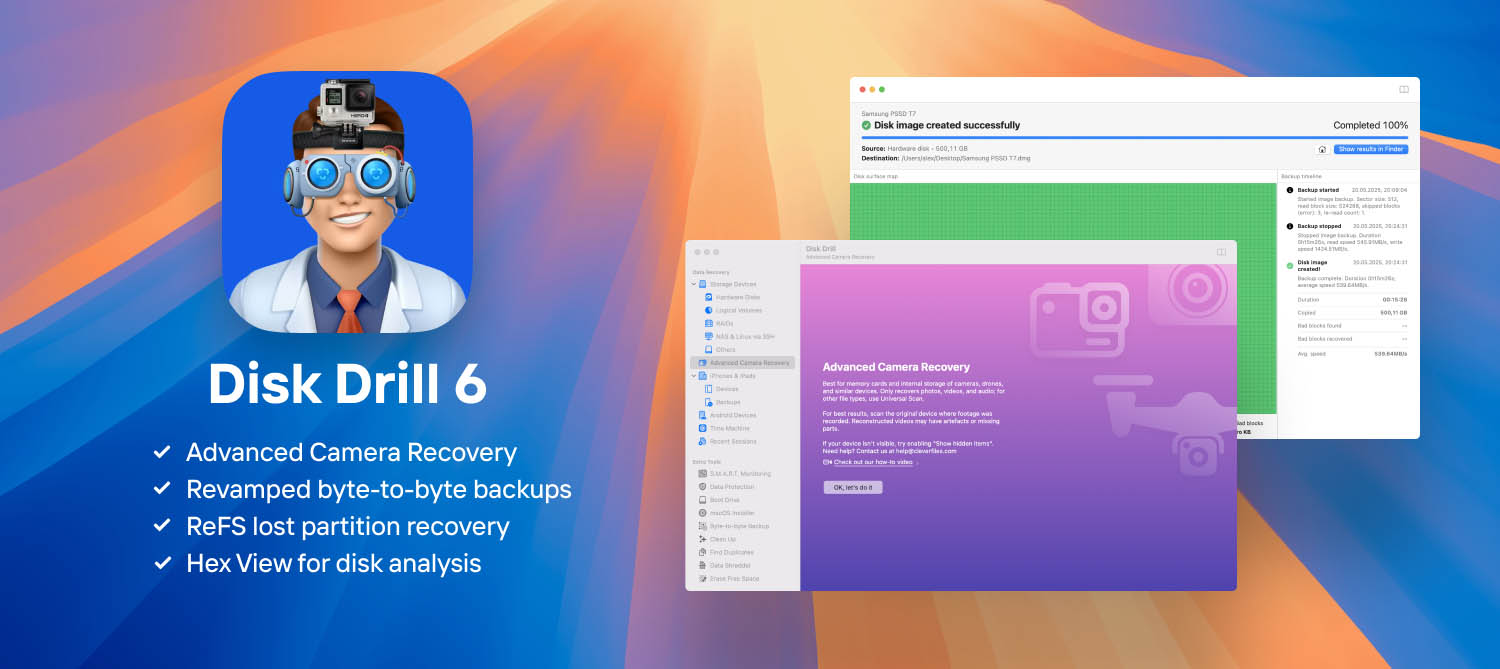
Disk Drill 6.0 offers a new Advanced Camera Recovery module as well as revamped Backup module. Improved detection of various types of partitions and data recovery from different sources including iOS.
New
- Advanced Camera Recovery – introducing the recovery of fragment-deleted videos and photos from cameras, drones, dashcams, smart telescopes, microscopes, and other camera-equipped devices
- Revamped byte-to-byte backups – engineered for recovery, enhanced fault tolerance, and a fresh, visually rich interface
- ReFS lost partition recovery – more data restored, more meta-information salvaged
- The Nikon N-RAW (NEV) video format is now supported by Deep Scan, along with enhancements to over 100 file signatures for broader and more intelligent recovery
- Hex View added for advanced disk and partition analysis – ideal for raw, low-level inspection of data integrity and device condition
- Targeted recovery from BitLocker-enabled Windows partitions
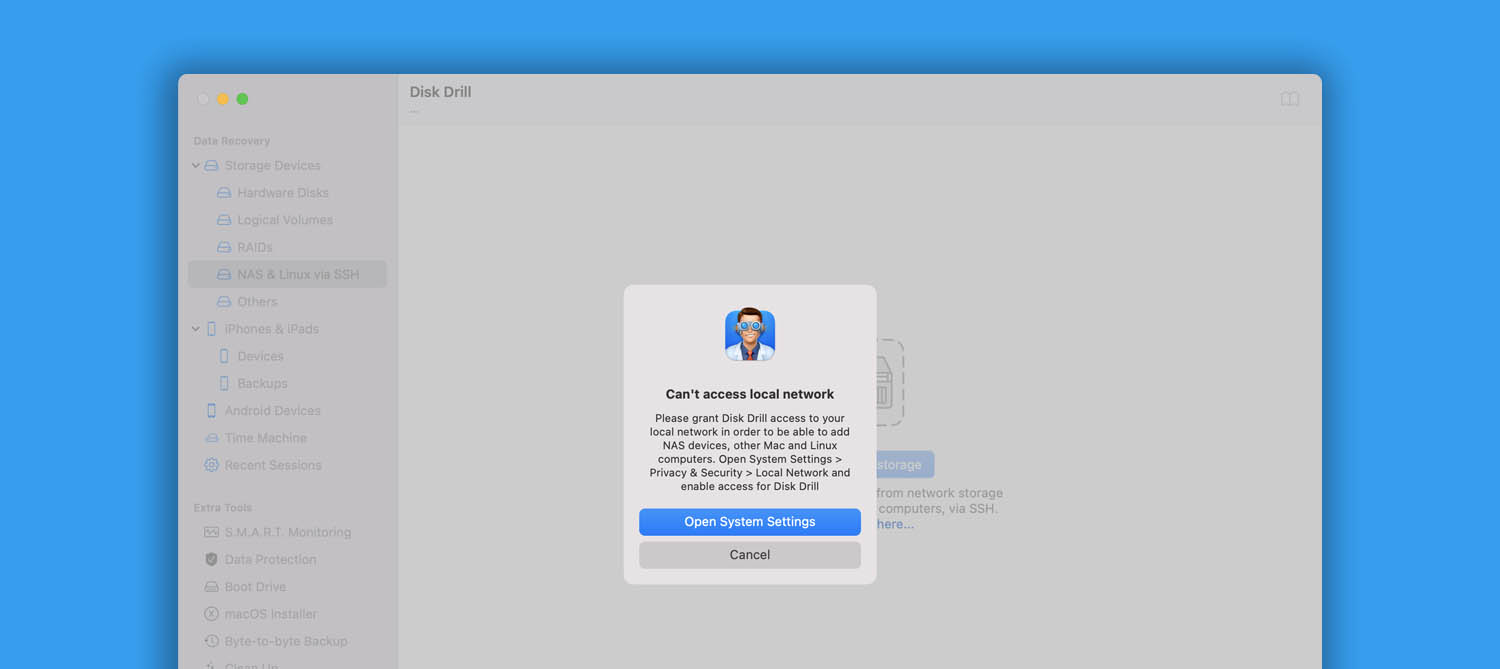
- Support for Bonjour (zero-configuration networking) and mDNS (local network discovery) added – Disk Drill now automatically detects network devices for remote recovery over SSH
- Added certificate validity check for legacy macOS distributions in the macOS Installer module
Disk Drill 6.0 With New Modules and Interface Improvements
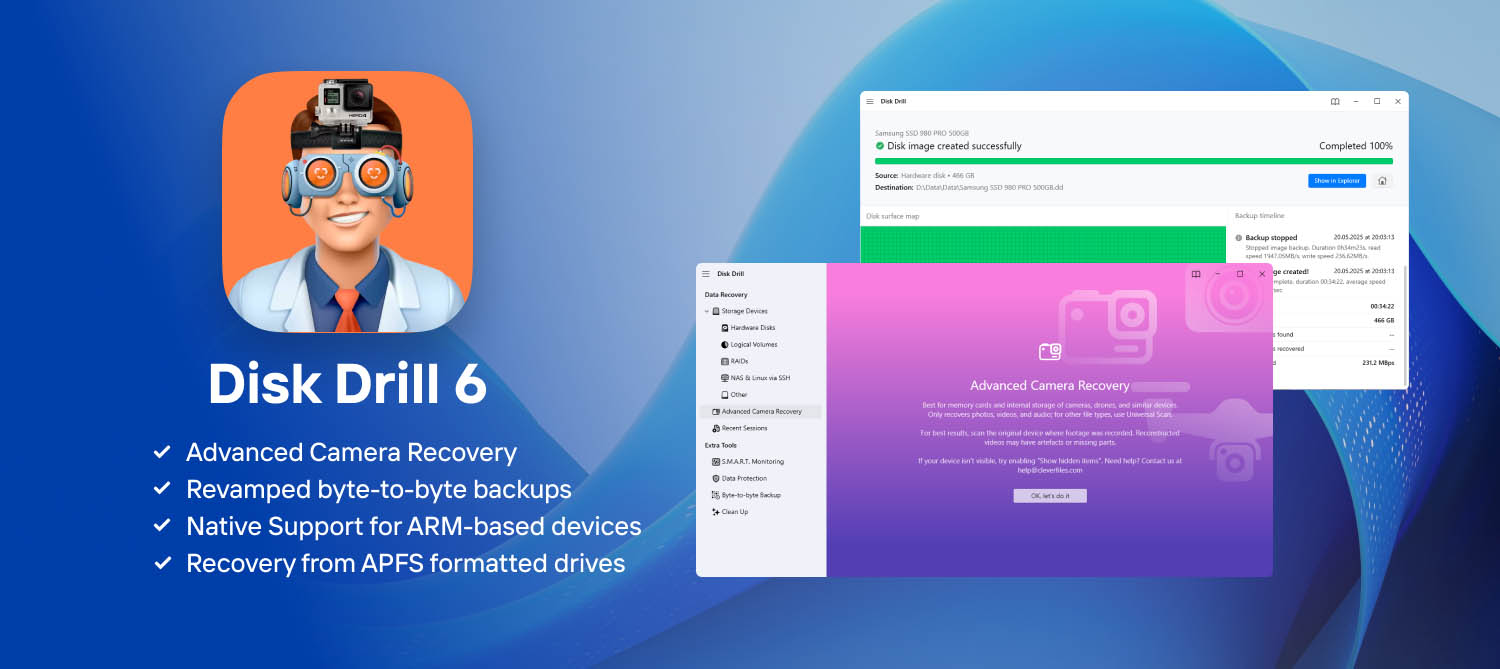
Download Disk Drill 6.0 with enhanced interface experience and get the new Advanced Camera Recovery, improved detection of various types of partitions and data recovery from such sources as iOS and network devices.
New
- Advanced Camera Recovery – all-new deleted video & photo recovery module from cameras, drones, dashcams, smart telescopes, microscopes, and other camera-enabled devices
- Next-gen byte-to-byte backups, recovery-ready and more fault-tolerant with juicy new visuals
- ReFS lost partition recovery
- Recovery from Apple-formatted drives powered by APFS
- New native design for all message boxes within Disk Drill
- Bonjour (zero-configuration networking) and mDNS (local network discovery) support – now Disk Drill detects network devices automatically for remote recovery over SSH
- Nikon N-RAW video format (NEV) joins Deep Scan, alongside improvements to 100+ file signatures for broader, smarter recovery
- Native support for ARM-based Windows 11
- Hex View for in-depth disk & partition analysis – perfect for raw, unfiltered inspection of data health and device condition
Disk Drill 5.7 Offers Better RAM Allocation and a More Stable SSH Connections
Download Disk Drill 5.7 for more responsive interface, optimized RAM usage, as well as better connection to devices over SSH
New
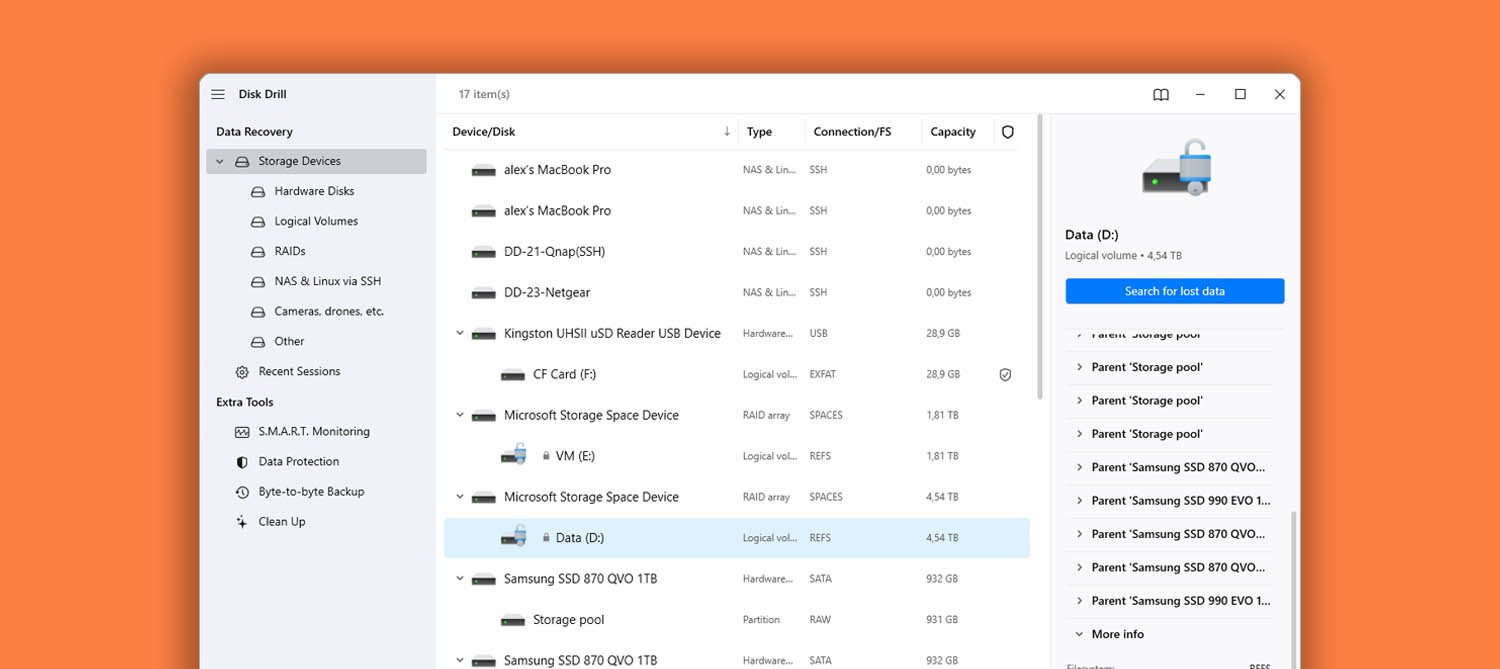
- Disk Drill now offers the recovery from sources with ReFS 3.14.
Download Disk Drill 5.7 With Minor Fixes and Improvements
Disk Drill 5.7 offers a few minor but anticipated fixes. It also offers an optimized RAM resources allocation and the recovery of data for a new file system.
New
- Disk Drill now offers the recovery from sources with ReFS 3.14.
Disk Drill 5.6 is Here With Much Anticipated Stability Improvements
Disk Drill 5.6 offers multiple fixes and improvements. If you have experienced a crash, please download the new version now. New features for iOS recovery module as well as the ReFS file system support
New
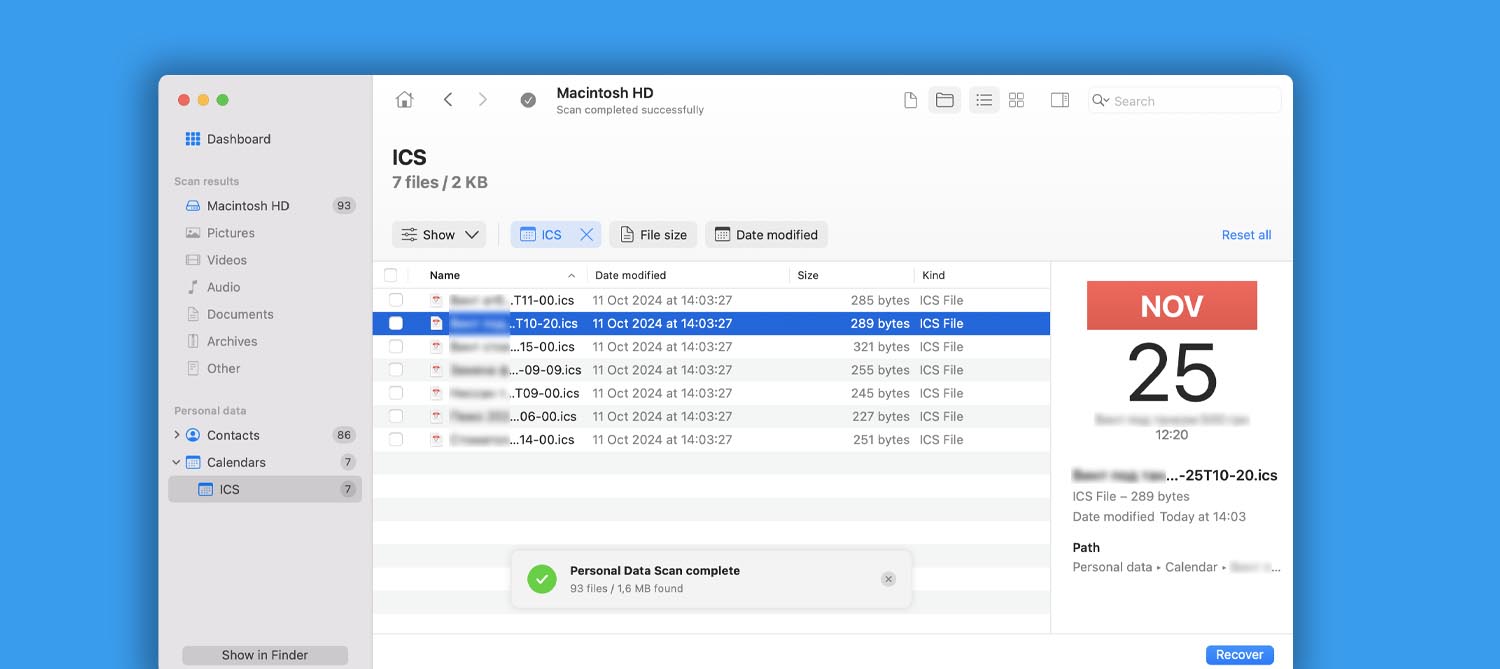
- New scan type in Disk Drill! We are always working on recovering more lost data from Mac system drives. You can now undelete your Calendar entries from the macOS app. More data categories will follow.
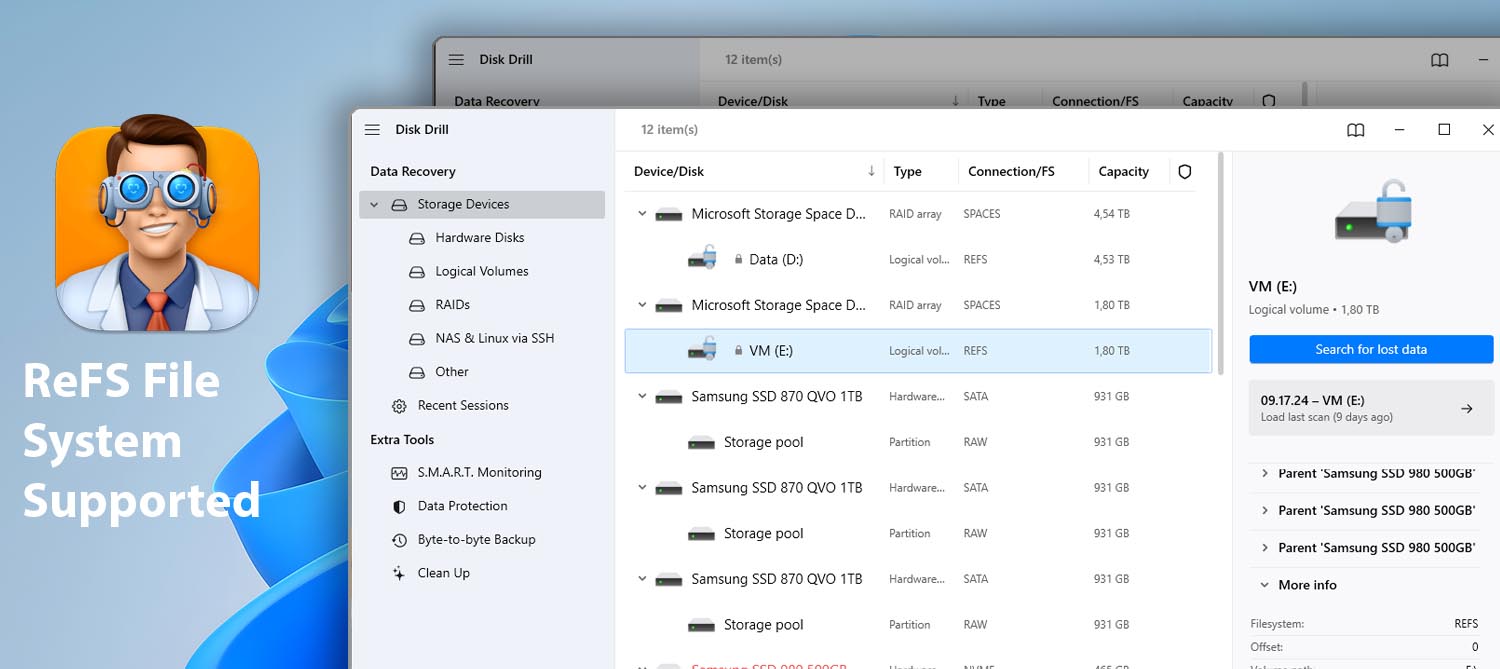
- Lost files recovery from ReFS systems is now available.
- iPhones and iPads module now allows you to recover the web browser history.
- Create your own emergency bootable installation drive for macOS Sequoia.
- iOS data recovery module now supports scanning for lost Apple Wallet data (iCloud backup password required, as always).
Download Disk Drill 5.6 For a More Stable and Fast Recovery Process
Disk Drill 5.6 offers a great lot of fixes and improvements. If you have experienced a crash, please download the new version now. ReFS systems added to portfolio alongside numerous subtle enhancements.
New
- Lost files recovery from ReFS systems is now available.
Disk Drill 5.5 Offers NAS and Linux Data Recovery via SSH, Providing an Extra Layer of Security
This Disk Drill minor update habitually offers a major list of new features, overall improvements, as well as anticipated fixes. Advanced settings for SMART monitoring, better handling of RAID arrays, and new file signatures supported.
New
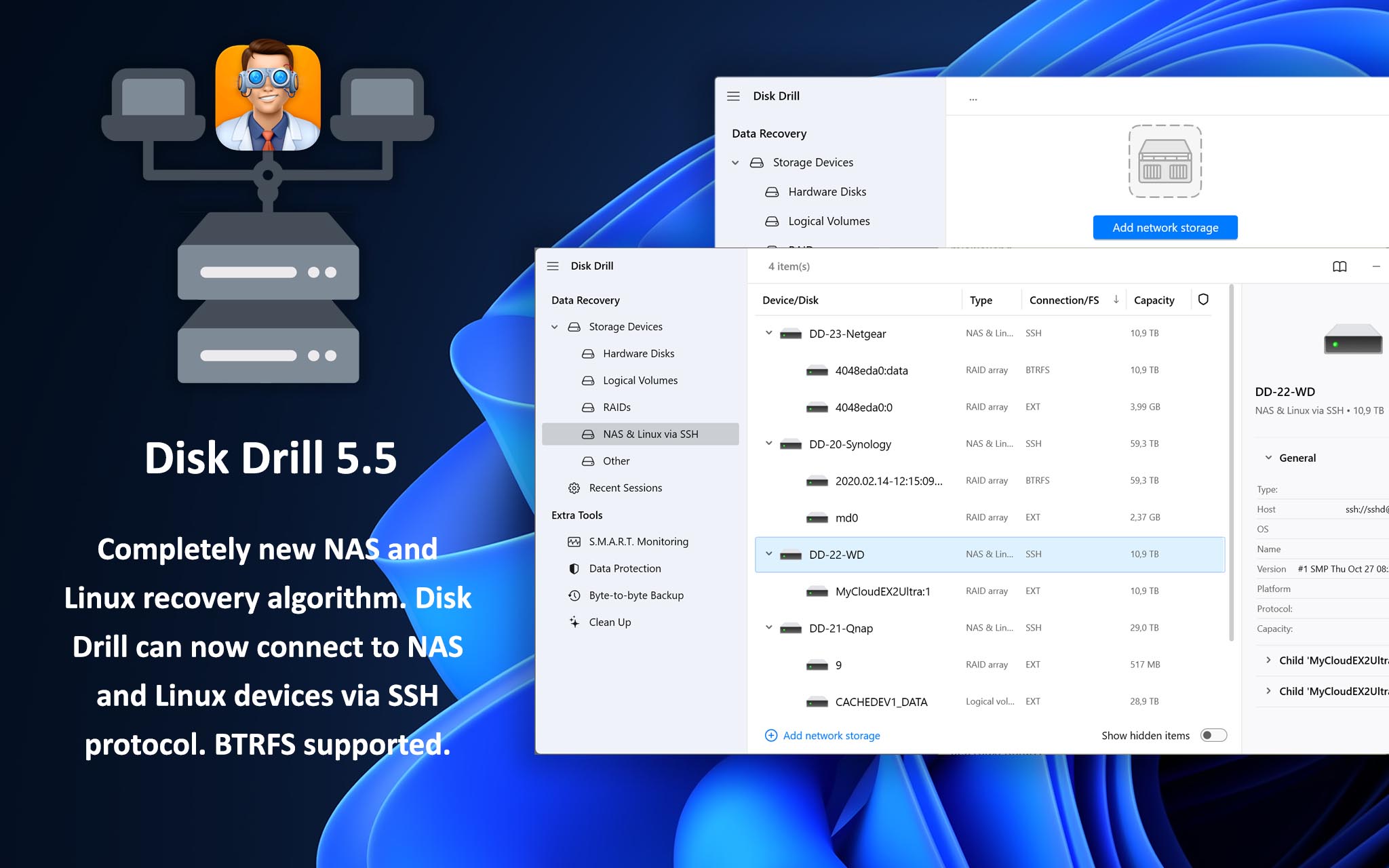
- Completely new NAS recovery algorithm. Disk Drill can now connect to NAS devices via SSH protocol and securely scan the connected drives and RAID units.
- Completely new Linux Recovery algorithm. Disk Drill now connects to Linux OS via SSH protocol in order to securely scan the connected drives and RAIDs.
- BTRFS RAID systems are now fully supported.
- New file signatures recognized by Disk Drill: .gp – Guitar Pro 8 Tablature and .musx – Finale Music Notation files.
- Advanced settings for SMART monitoring for JMICRON USB RAID units.
Disk Drill 5.5 Brings on Lots of Fine Tuning of Interface and Overall App Performance
New Disk Drill sees improvements in iOS data recovery, scanning for new file types, faster scanning speeds in certain cases, and refined handling of NAS devices.
New
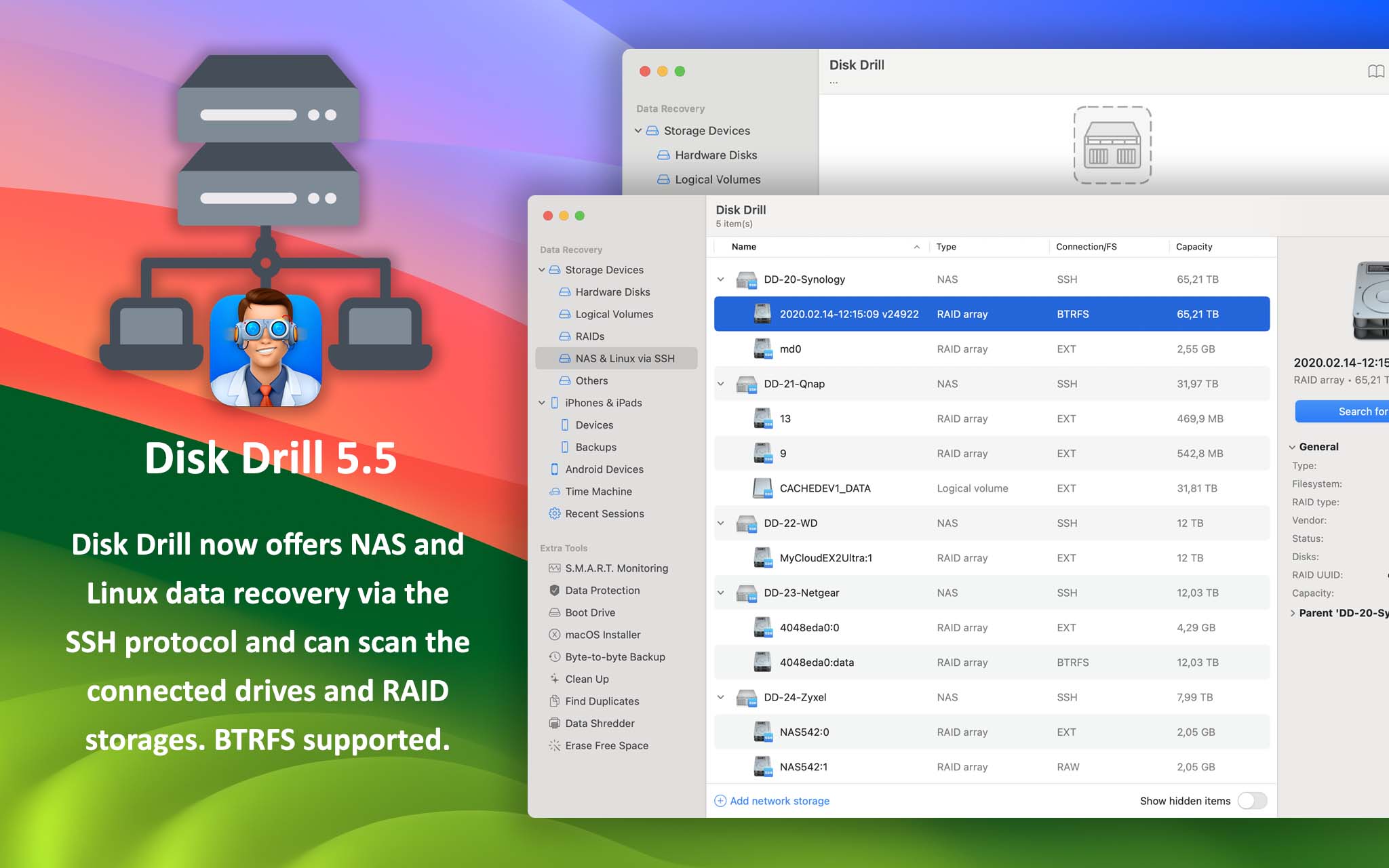
- Disk Drill 5.5 brings on lots of fine tuning of interface and overall app performance.
- New file signatures recognized by Disk Drill: .gp – Guitar Pro 8 Tablature and .musx – Finale Music Notation files.
- iOS scan can now recognize and include geographical location in photo recovery results as well as keychain passwords.
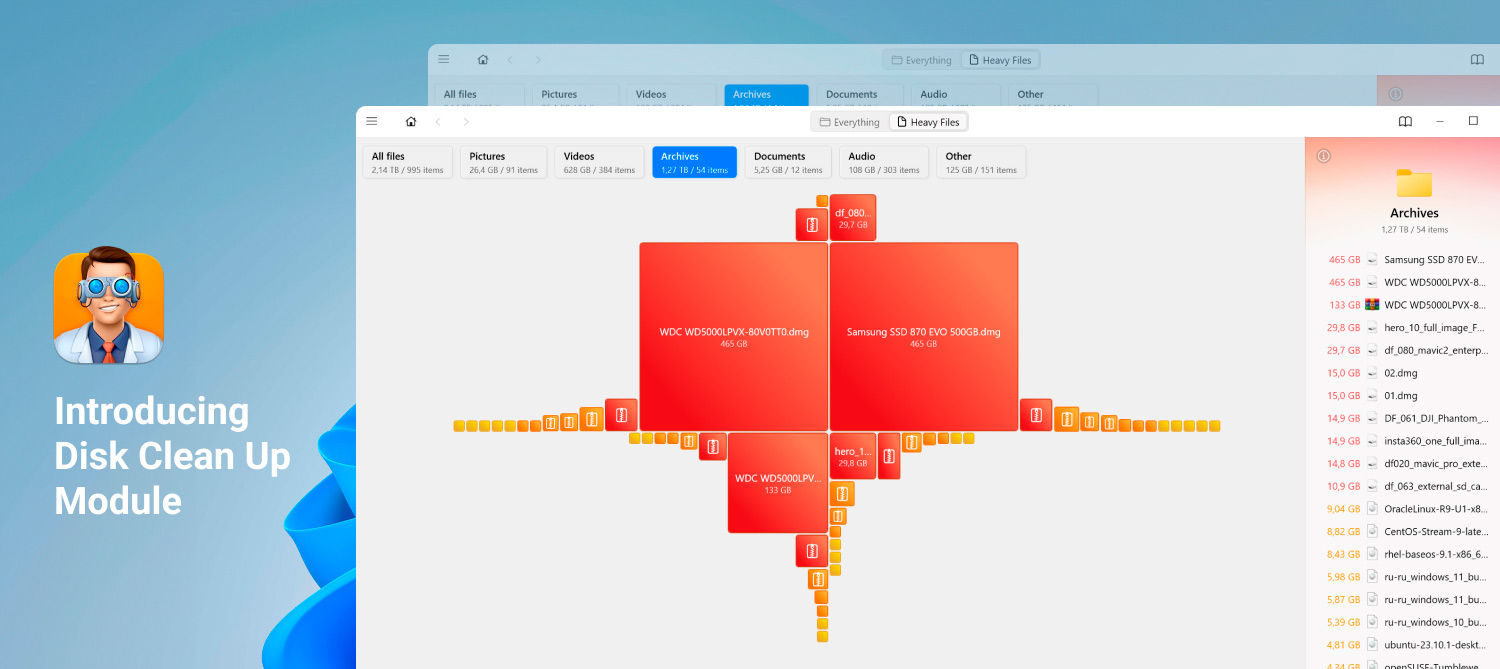
Lots of Smart Updates Throughout Disk Drill 5.4, Introducing Disk Clean Up Module
Disk Drill 5.4 is a minor update, but it brings a lot to the table – free up disk space with new Clean Up module; detect more file types, encrypted and unencrypted alike; enjoy even more stable performance.
New
- Introducing the Clean Up module that will keep your drives clutter-free
- New look for Disk Drill icons and visuals
- Significant updates for S.M.A.R.T. monitoring module: added support for AMD RAIDXpert2, Intel VROC, JMicron USB RAID, Sandisk/WD CloudSpeed Gen II SSD, as well as other 16 devices
- Disk Drill’s Deep Scan can now recover MBS (Opera Mailbox File), Notes Template Facility (NTF) files, and EML (electronic mail format or email saved in plain text) files
Mac Cleaning is Now a Party Thanks to Disk Drill’s 5.4 New Clean Up Module
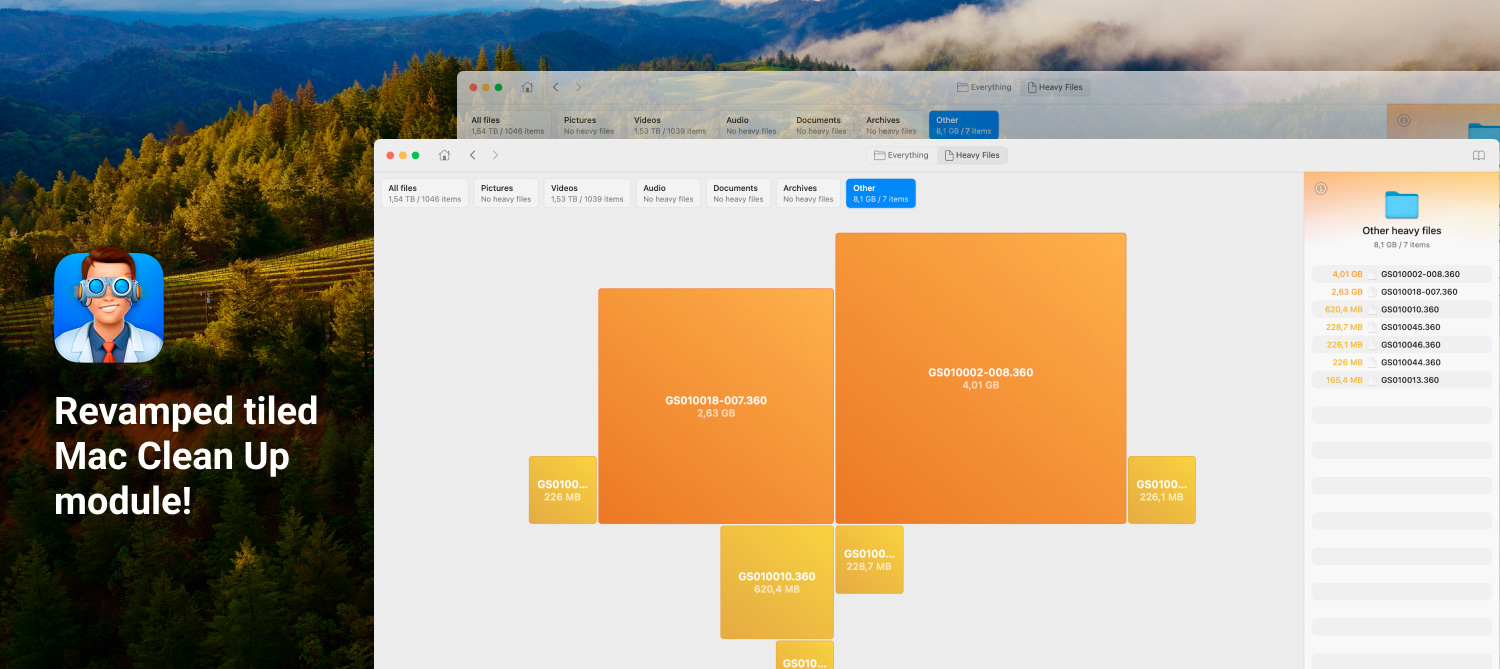
Disk Drill 5.4 is a minor update with a list of improvements worthy of a new major version. Mightier recovery, great UI updates, and revamped tiled Mac Clean Up module.
New
- The Clean Up module is completely revamped with a completely new way of visualizing your disk and locating space hogs, we call it “Tiles”
- Disk Drill now offers NAS data recovery over the SSH protocol and can scan the connected drives and RAID storages
- Disk Drill now offers Linux data recovery via the SSH protocol and can scan the connected drives and RAID storages
- New scan type in Disk Drill! We are always working on recovering more lost data from Mac system drives. You can now undelete your Contacts from the macOS app. More data categories will follow
- RAIDs with Btrfs are now supported and Disk Drill can recover recently deleted files and deleted partitions
- Many Disk Drill icons and visuals got new looks
- Disk Drill’s Deep Scan can now recover MBS (Opera Mailbox File) and EML (electronic mail format or email saved in plain text) files

New Disk Drill Version With Officially Released Sonoma and iOS 17 Support
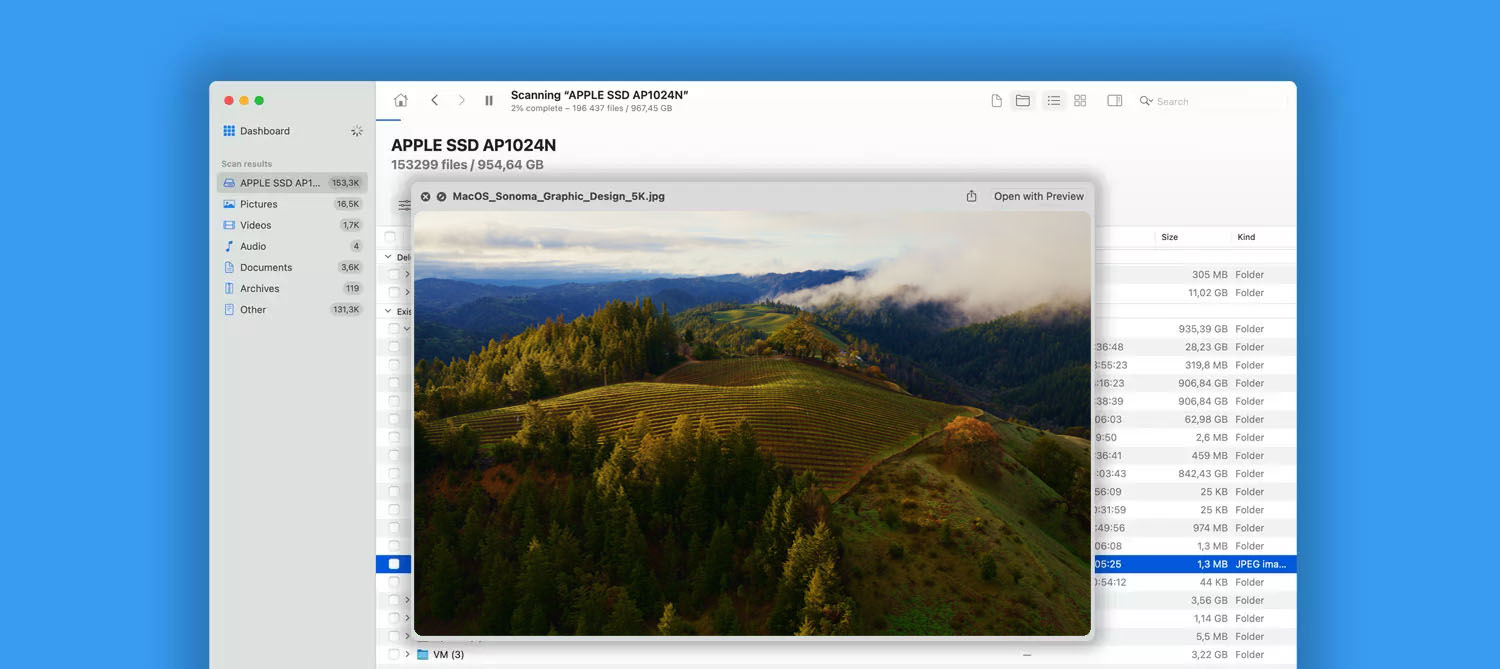
Download Disk Drill’s new minor release – fully supports now publicly available macOS Sonoma (ver. 14) and iOS 17.
New
- Full compatibility with macOS Sonoma (version 14) as well as iOS 17.0.1
- One of Disk Drill’s extra tools – macOS Installer – detects and supports newly released macOS Sonoma
New Disk Drill 5.3 with macOS Sonoma Beta and iOS 17 Beta support
New faster Disk Drill for macOS with improved support for RAID arrays, multiple interface enhancements, and some minor fixes throughout.
New
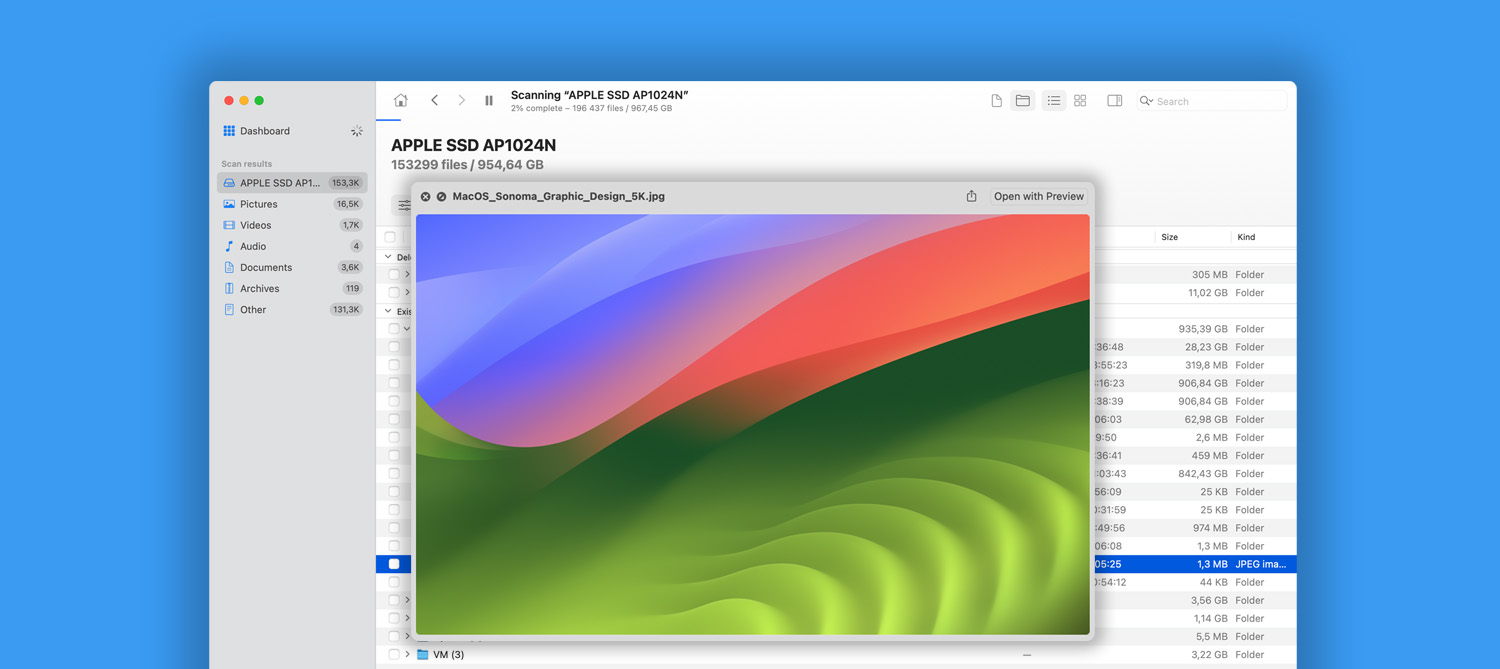
- Disk Drill works on macOS Sonoma (version 14) beta and supports data recovery from iOS 17 beta
- Disk Drill displays more relevant data for iOS devices currently connected for recovery
- ETA is now calculated and displayed during iOS devices scan
- Forensic reports now include the serial number of a scanned disk
- Improved identification of GUID Partition Tables and MBR partition tables maximizing outcomes when looking for lost partitions
- New file types supported by Deep Scan – Lotus Notes Archive (.nsf)
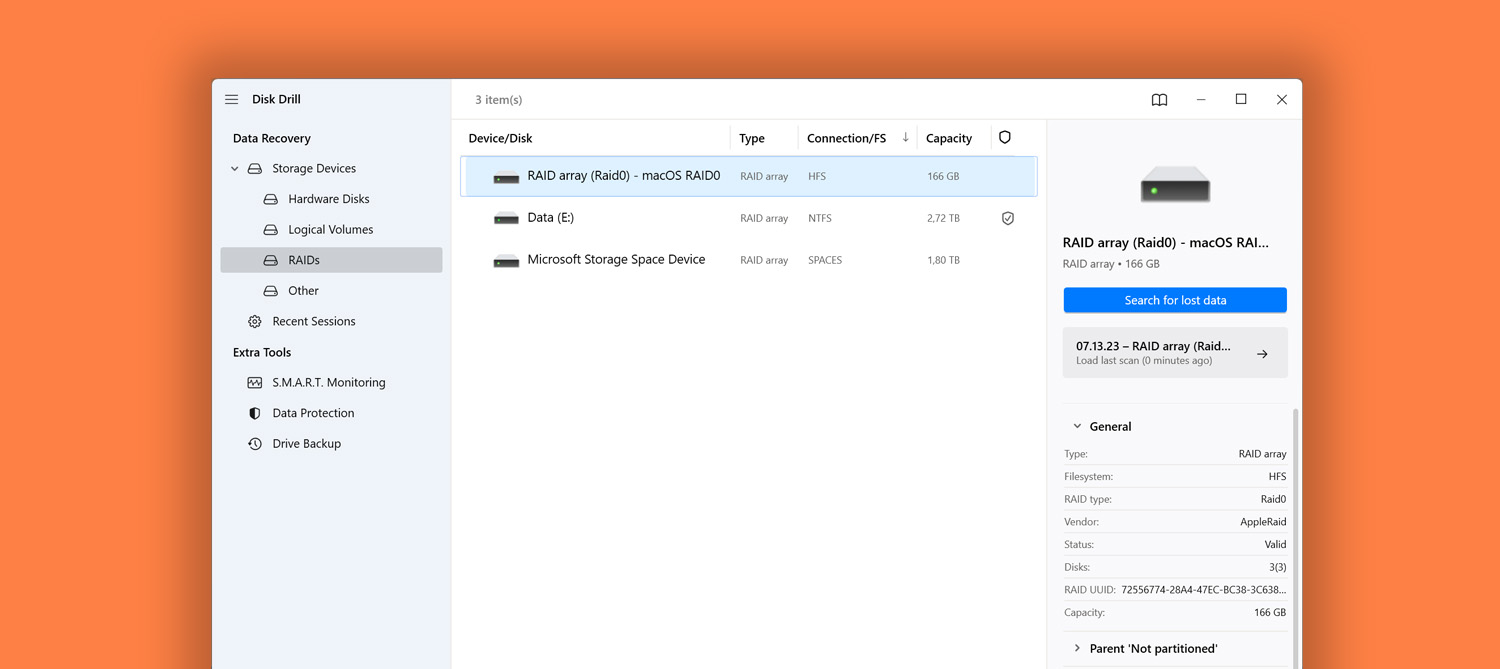
Disk Drill 5.3 is Here With Improved Recovery Results for Partitions and RAIDs
Disk Drill 5.3 has been released offering lots of improvements and fixes along with enhanced RAID data recovery, faster search and filtering of scan results, and optimized interface responsiveness.
New
- RAID arrays backup is now available
- New file types supported by Deep Scan – Lotus Notes Archive (.nsf)
- Apple RAIDs 0/1/JBOD created on macOS computers are now supported for recovery
- The context menu in the scan results list got the “Show in Explorer” option for convenience
- Improved identification of GUID Partition Tables and MBR partition tables maximizing outcomes when looking for lost partitions
New Disk Drill 5.2 release with support for new file types and multiple improvements and fixes
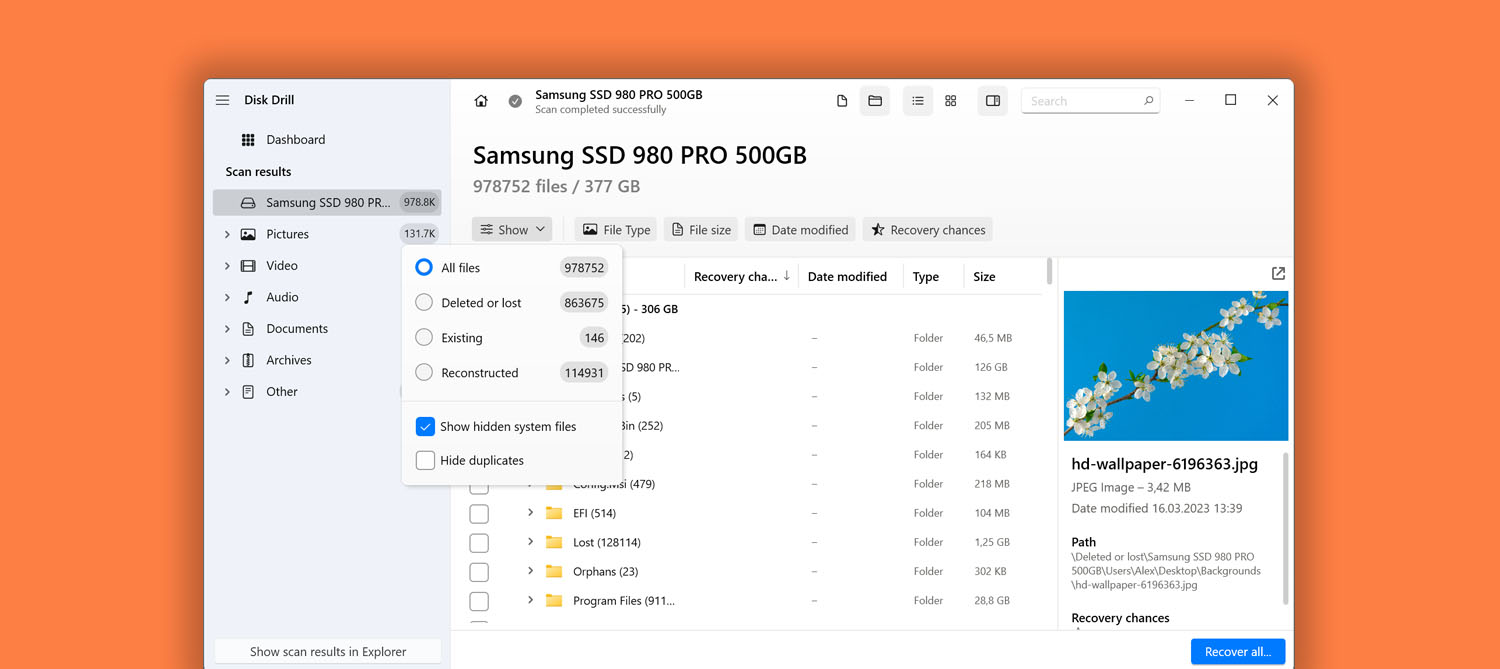
Disk Drill 5.2 for Windows: even more file types can be recovered now, better handling of Linux RAID 6 and Windows Storage Spaces, as well as many subtle improvements throughout the interface
New
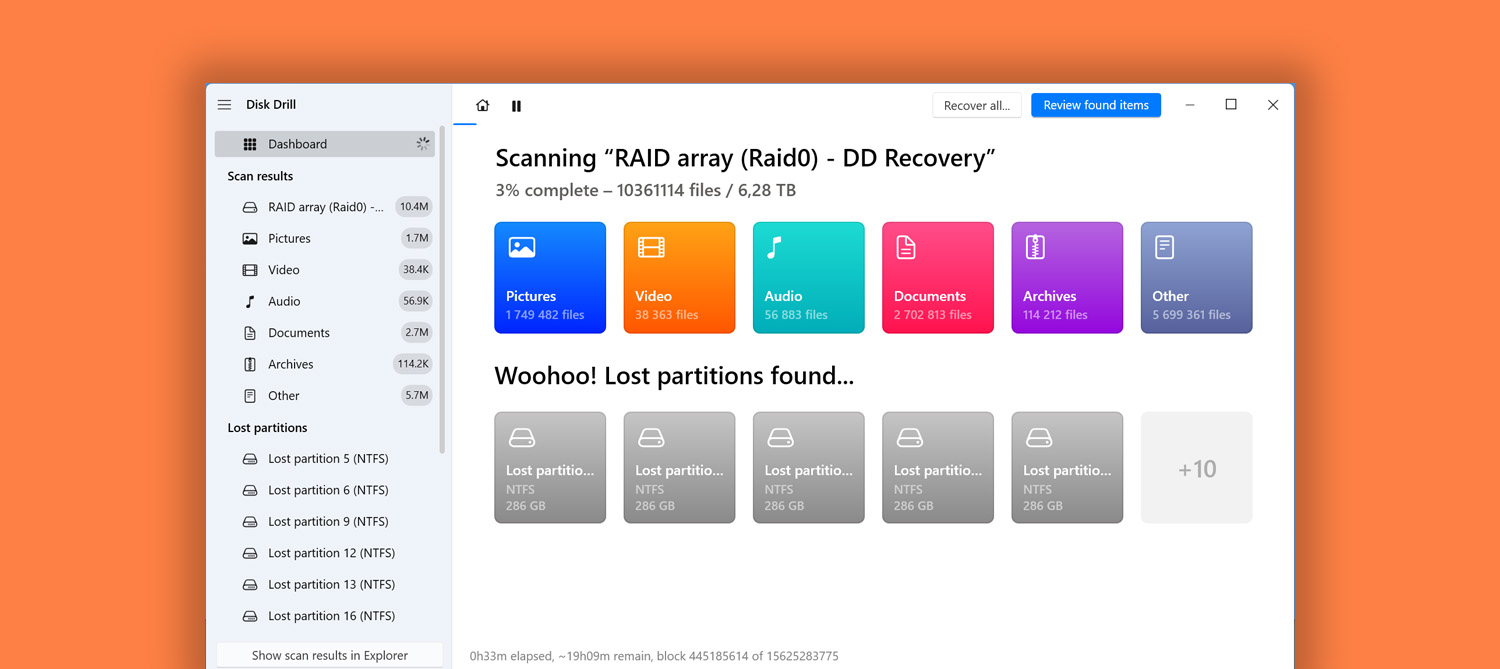
- We’ve added a global scan ETA indicator. Previously, only Deep Scan had an estimated time shown, now you can see how much time the whole process from the very beginning is estimated to take
- Hide duplicate files in scan results with a new filter
- Now all recovered files can be saved in a single folder disregarding how they were structured before data loss
- New file signatures supported by Deep Scan – GZ, TGZ, ALS, FC (FlipaClip: 2D Animation creation app)
- Scan sessions created in Disk Drill 4 are not supported by Disk Drill 5 anymore
New Disk Drill 5.2 is here: new in iOS recovery and lots of usability improvements
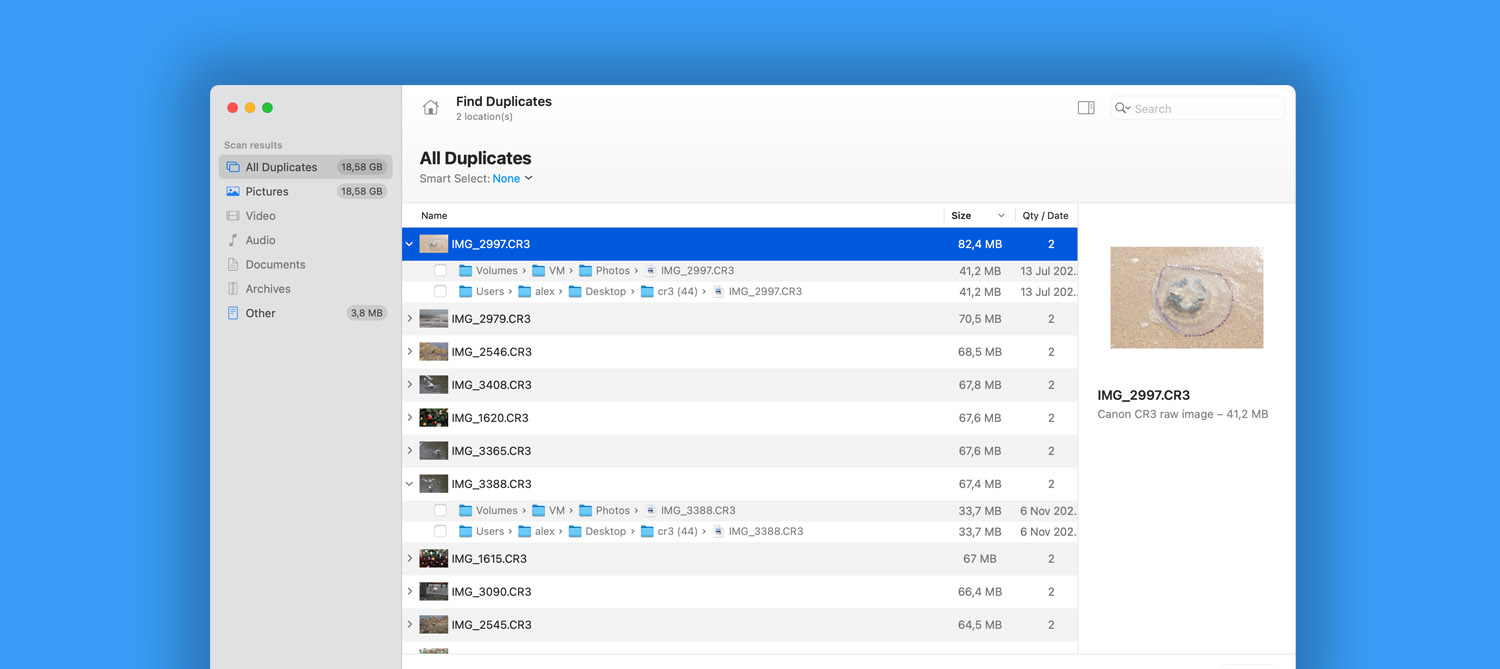
Disk Drill 5.2 for Mac: great updates for iOS messengers and Notes recovery, more file signatures supported, and lots of usability improvements throughout the app.
New
- Added a global scan ETA indicator. Previously, only Deep Scan had an estimated time shown, now you can see how much time the whole process from the very beginning is estimated to take
- iOS data recovery: Chat history from iOS messengers, including Viber, WeChat, kik, WhatsApp, Line, and Skype, is now extracted and categorized comprehensively in scan results
- New file signatures supported by Deep Scan – GZ, TGZ, ALS, FC (FlipaClip: 2D Animation creation app)
- Recovery of iOS voicemails and voice memos
- The “Find Duplicates” module now offers the preview panel with thumbnails

The Newly Released Disk Drill 5.1 Can Recover Lots of New File Formats
Disk Drill 5.1 gets a new update with a large number of new file types available for recovery, refined interface, improved stability and speed of scan
New
- File recovery from Windows Storage Spaces (also known as Storage Pool)
- Faster scanning times thanks to new caching algorithms
- Even more file signatures are now discovered by Deep Scan: TAR – Tape Archive files; ZPR, ZBR – Pixologic ZBrush 3D/2.5D modeling, texturing and painting; PCBDOC, PCBLIB, SCHLIB, SCHDOC – Altium Designer; GED – GEDCOM Genealogy Data files; XCF – eXperimental Computing Facility, the native image format of the GIMP image-editing; PPM – Flipnote Studio Animation files; ANX – HotDocs answer files; SPP – Substance Painter Project; PRJPCB – Altium Designer project files; XHW – ChamSys MagicQ icon snapshot files; ARI, ARX – ARRIRAW images.
- All previously connected Disk Images are reconnected upon Disk Drill restart