Disk Drill is downloading...
Download didn’t start automatically?Restart it here
Version 6.3.2326 • macOS 10.15–26.x
Search the website
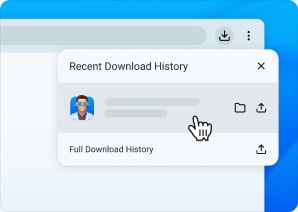
Open the Installer
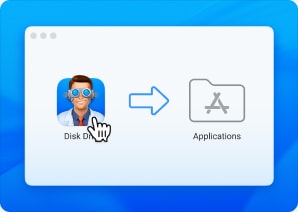
Drag to Applications
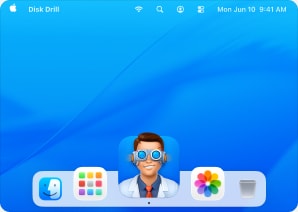
Launch Disk Drill
Downloads usually appear in your browser’s download bar or in Finder → Downloads.

Looking for Windows edition?
Get it now