Disk Drill is downloading...
Download didn’t start automatically?Restart it here
Version 6.3.1398 • Windows 10-11 (64-bit)/11 (ARM)
Search the website
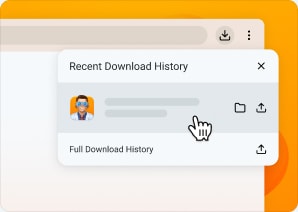
Run the Installer
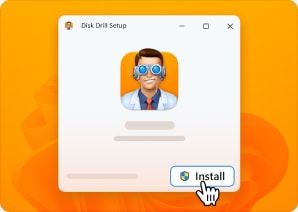
Click Install
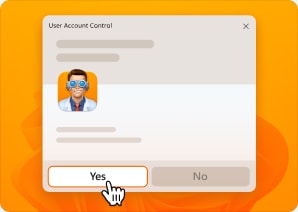
Launch Disk Drill
Your Downloads folder is usually located at C:\Users\[YourName]\Downloads.

Looking for macOS edition?
Get it now