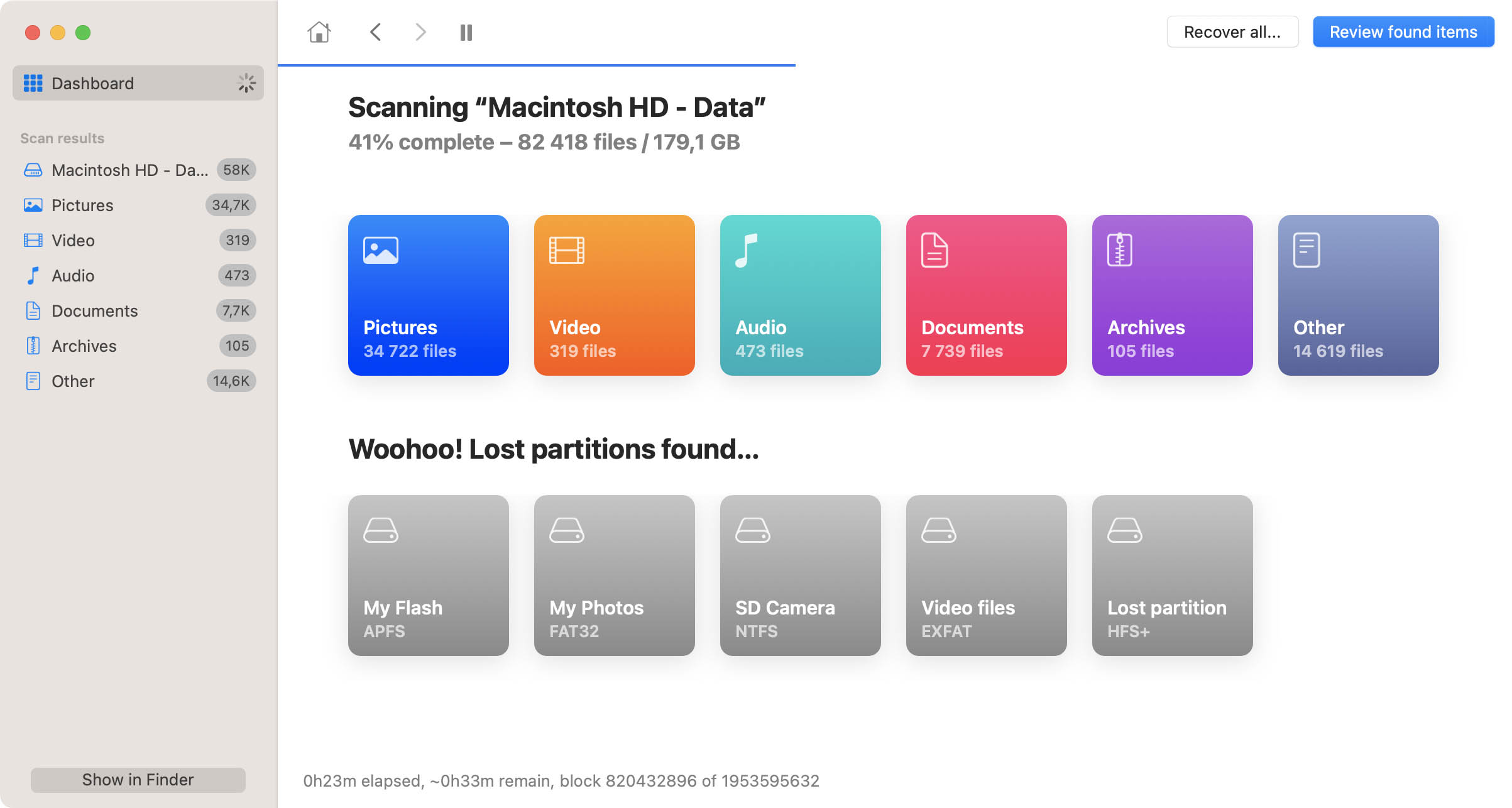
Disk Drill - native Mac OS file
recovery software also
prevents data loss
Disk Drill 1.7 is here! Thunderbolt hard drives recovery, new file signatures, and more...
Accidentally deleted my comic-con photos. Restored them with ease using Disk Drill. #lifesaver
Kelly Abbott
Runs on any PPC
or Intel Mac with
Mac OS X 10.5+


Various media data file recovery for Mac

Disk Drill helps you save files that were deleted long past. Here, successful Mac file recovery doesn't depend on the type of disk you're using or fault you're facing. If you can get Mac OS X to recognize the disk, data file recovery is imminent. This applies to native Mac OS X disks, HFS and HFS+, but also to FAT, FAT32 and NTFS file systems.

To rescue your lost computer files, Disk Drill resorts to several Mac file recovery techniques. Which one to use ultimately depends on your disk's file system and whether or not you've also been using Recovery Vault, Disk Drills flagship feature.
Install and launch Disk Drill Download and install Disk Drill

Download Disk Drill file recovery software for Mac OS X by CleverFiles. Drag and drop it to your Applications folder to install, and from your Applications folder to the Dock for easy access. Disk Drill will require your administrator password on the first launch. It's all the preparation you need.

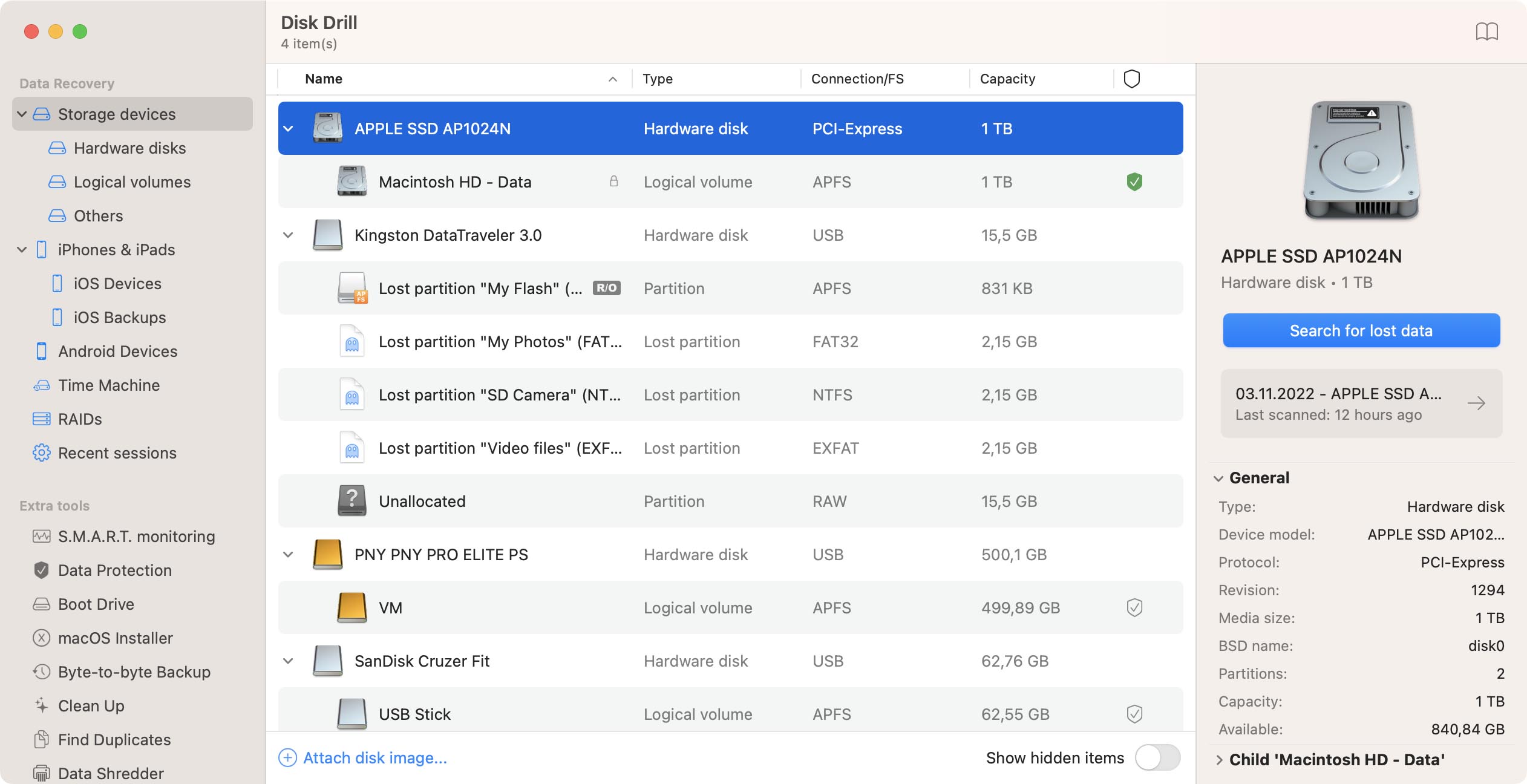
Select the drive that needs to be recovered Select the drive to be recovered

Select "Recovery" in the splash screen that appears on launch. This will prompt Disk Drill to list all the detected disks and partitions, including USB flash drives. You'll need Mac OS X 10.5 or higher to recover traditional memory cards. Select the drive or partition you want to start Mac file recovery from.

Undelete from Recovery Vault Undelete from Recovery Vault

Undelete can be used to recover any files that were deleted when Recovery Vault was active and protecting your drive. Instead of peering over your disk's sectors one by one, Disk Drill will ask Recovery Vault where to find the deleted files, making FAT and Mac OS X file recovery as easy as it will ever be. Undelete from Recovery Vault works notably faster and is able to retain the filename and position of deleted Mac OS X files, unlike any other Mac file recovery alternative.

Quick Scan for FAT32 and NTFS Quick Scan for FAT32 and NTFS

Quick scan can be used for file recovery on FAT32 and NTFS systems, as used on Windows operating systems and your typical USB flash drive. It skims the deletion records that are so typical for these file systems to quickly turn up results, albeit not as quick as using Recovery Vault. If your file wasn't deleted too long ago, Quick Scan is a good way to go about file recovery.

Click Deep Scan and give it some time

Deep Scan any volume for lost data

The Deep Scan technique works very slow, but equally reliable. It turns your drive inside out, ruthlessly sniffing out deleted files. If there's any chance of saving a file still, Disk Drill's Deep Scan will find it. It's the surest way to recover files on any disk or flash drive, but also tends to take a lot of time.

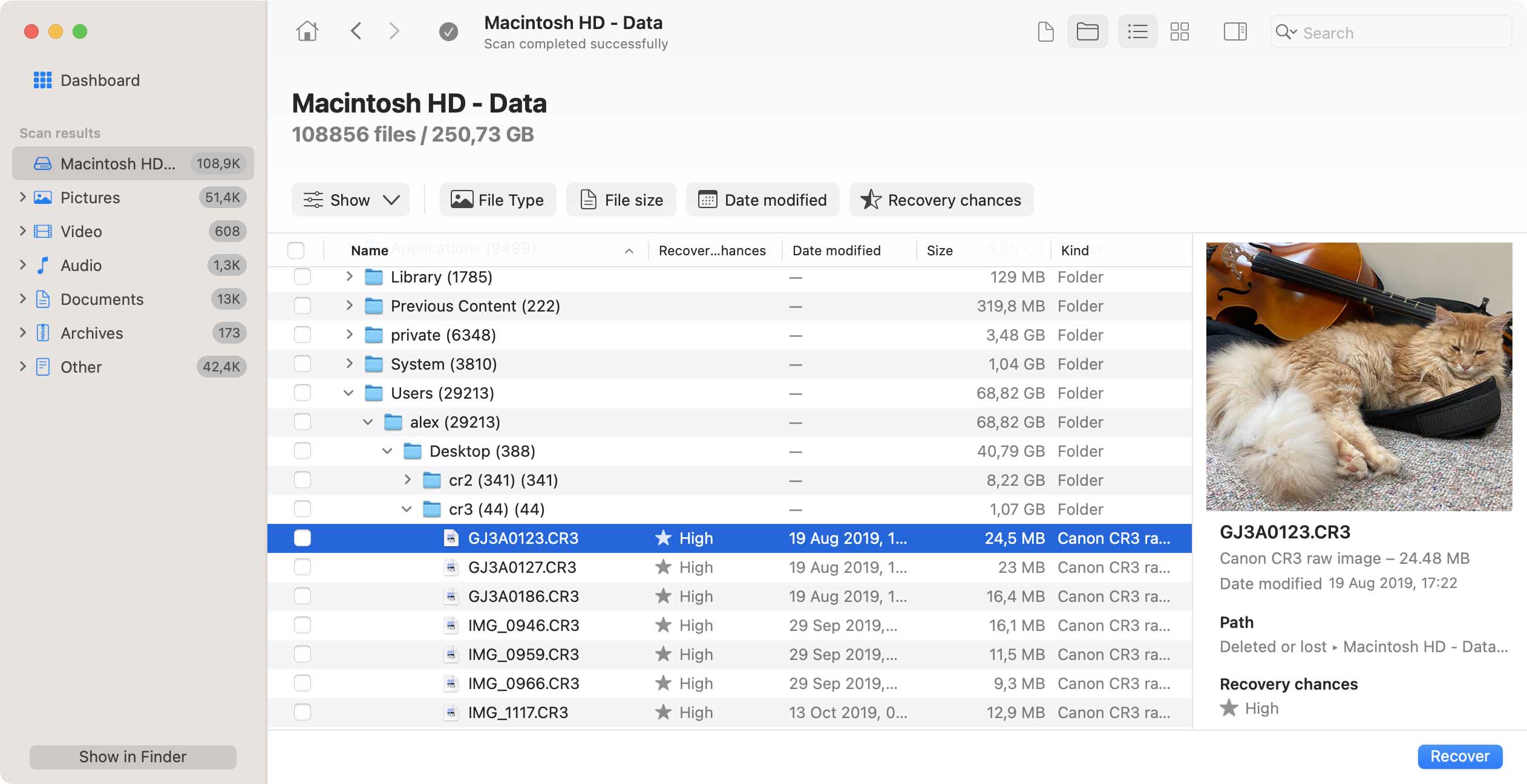
Review and recover found data Preview and select files for recovery

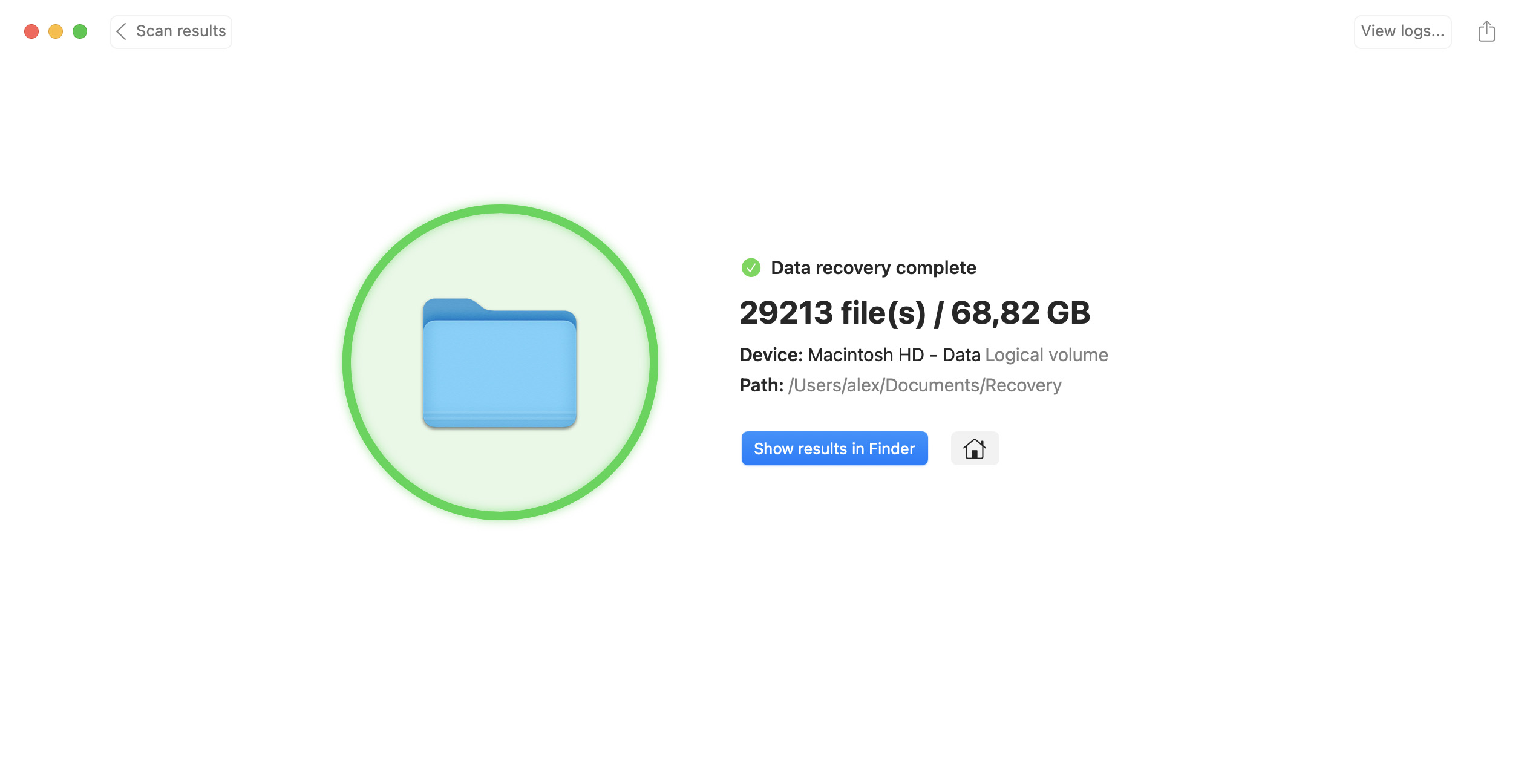
At the end of the scan, Disk Drill will show a comprehensive list of all the items it was able to detect as a result of file recovery. The far-right column tells you the chances on a complete computer file recovery. You'll notice that Undelete from Recovery Vault and Quick Scan are both able of preserving old filenames and system locations, whereas Deep Scan lists them according to file type and category. Select the files you're looking for and use Preview to get a sneak peek, or recover files on Mac to a folder of your choice. Mac file recovery is that easy!